
Weave Vault and Private Photo Vault both promise to keep your photos away from prying eyes, but they answer very differently when you ask exactly how. Weave Vault publishes the specific cryptographic mechanism it uses — AES-256-GCM encryption with Argon2id key derivation — and asks for no account, no email, and no sign-up before you can use it. Private Photo Vault, in its own App Store privacy label, discloses that it links your photos, in-app purchases, device identifiers, usage data, and diagnostics back to your account.
This comparison isn't about which app claims to be more "private" in its marketing copy — both do that. It's about whether you can verify, from each vendor's own published claims, exactly what happens to your photos and your identity once you install the app. Below, weigh Weave Vault's named, auditable encryption and account-free model against Private Photo Vault's disclosed data collection, its 50GB paid Cloud Vault backup, and a genuinely useful feature Weave Vault doesn't offer: automatic break-in photo and GPS logging.
| Feature | weavevault.app | Private Photo Vault |
|---|---|---|
| Named encryption mechanism disclosed publicly | ✓ AES-256-GCM with Argon2id key derivation (RFC 9106, t=3, m=64 MiB) — named on weavevault.app/security | Names "AES-256 bit encryption" for Cloud Vault on privatephotovault.com — encryption mode and key-derivation method not disclosed |
| App Store privacy label: data linked to your identity | None disclosed | ✗ Purchases, User Content, Identifiers, Usage Data, and Diagnostics — per its own App Store listing (id417571834) |
| Telemetry, analytics, and ad SDKs | ✓ None — no analytics, crash reports, or ad SDKs, per weavevault.app/security | Collects Usage Data (used to track you) and Diagnostics, per its own App Store privacy label |
| Account or sign-up required | ✓ None — no email, no profile, no account, ever | Not required for local use; Cloud Vault backup is managed through an in-app subscription/purchase account |
| Free-tier limits | 3 vaults / 50 files per vault, files up to 16GB each, no encrypted backup | Free version excludes Cloud Vault backup entirely |
| Encrypted backup | Pro only — monthly, annual (7-day trial), or one-time lifetime purchase unlocks encrypted backup, more vaults, sharing, and folders | Paid-only Cloud Vault backup, up to 50GB |
| Pricing model | Free tier capped at 3 vaults / 50 files; Pro via subscription or one-time lifetime purchase | Subscription ($6.99–$35.99) or one-time purchase ($39.99) to unlock Cloud Vault |
| Break-in / intruder detection | Not offered | ✓ Front-camera snapshot and GPS location logged on an incorrect password attempt |
Privacy architecture: named mechanism vs. disclosed data collection
The clearest difference between these two apps shows up before you even open them — in what each vendor is willing to put in writing. Weave Vault's security page names its exact cryptographic stack: AES-256-GCM for encrypting your files, and Argon2id (per RFC 9106, with t=3 iterations and 64 MiB of memory) for deriving the key from whatever you use to unlock the vault. That's specific enough that a security researcher could actually evaluate it, not just take it on faith.
Private Photo Vault's own marketing site does name an algorithm for its Cloud Vault backup feature — it says "AES-256 bit encryption" on privatephotovault.com. What it doesn't disclose is the mode of operation (GCM, CBC, or otherwise) or how the encryption key itself is derived and protected — details that determine whether the encryption actually resists real attacks, not just whether it uses a well-known cipher name.
The more revealing gap is in Apple's own App Privacy section for Private Photo Vault (App Store listing id417571834). There, the vendor discloses — in its own words, not ours — that Purchases, User Content (your photos and videos), Identifiers, Usage Data, and Diagnostics are all linked to your identity. Weave Vault's listing discloses none of that, and its security page states plainly that it collects no analytics, no crash reports, and includes no ad SDKs.
Neither of these facts is a matter of interpretation — both come directly from each vendor's own published disclosures. The question this page is built around is simple: once you strip away the marketing language, what does each vendor say happens to your data? On that question, the two apps give very different answers.
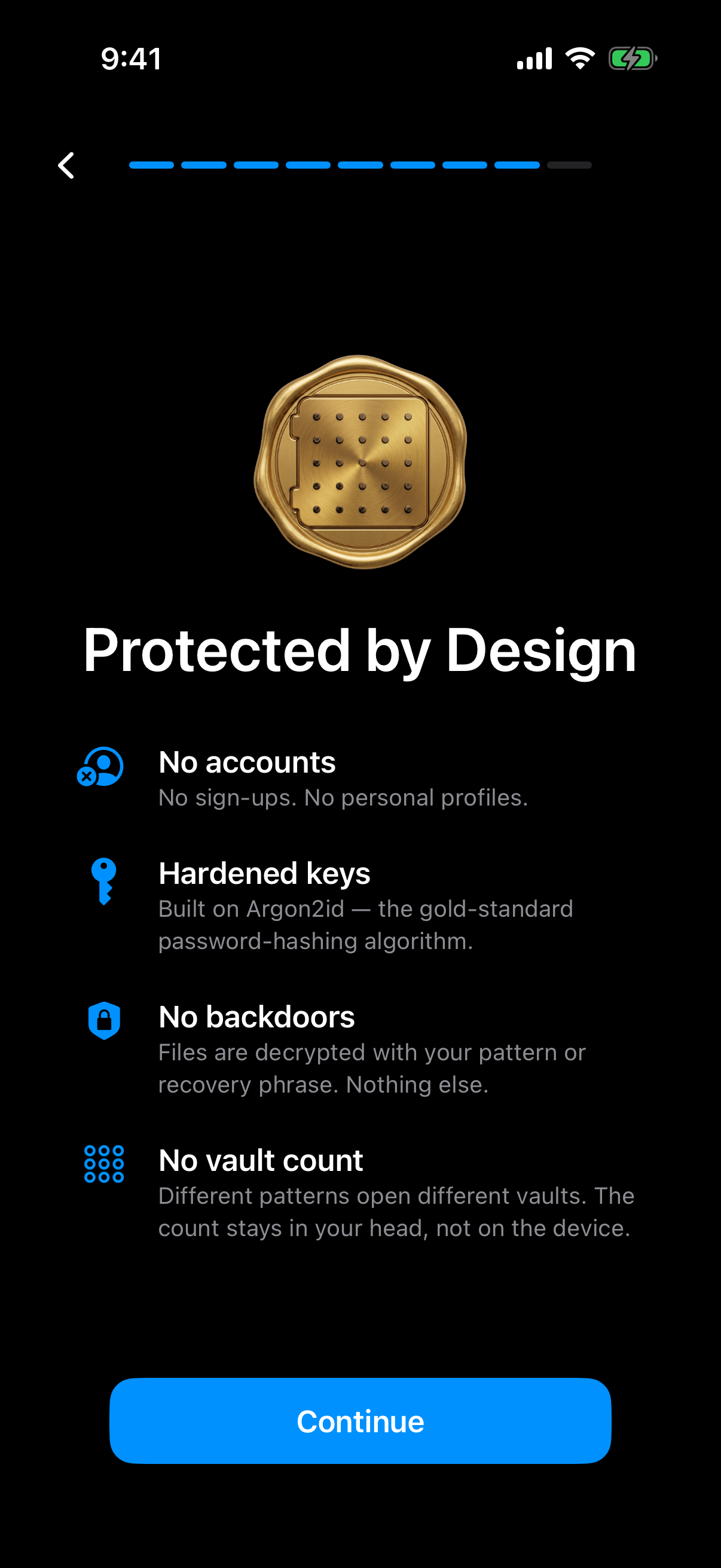
Weave Vault's in-app summary: no accounts, Argon2id-hardened keys, and files decrypt only with your pattern or recovery phrase.
Storage, backup, and pricing
Neither app hands you unlimited free storage, and it's worth being precise about what each one actually offers before comparing price tags. Weave Vault's free tier is capped at 3 vaults and 50 files per vault, with a per-file size limit of 16GB, and it does not include encrypted backup — that's a Pro feature. Pro is available as a monthly subscription, an annual subscription with a 7-day trial, or a one-time lifetime purchase, and it unlocks encrypted backup, additional vaults, sharing, and folders, per weavevault.app's own manifesto and its App Store listing (id6773198335).
Private Photo Vault takes a similar free/paid split, but structures it differently. Its free version doesn't include Cloud Vault, the app's cross-device backup feature, at all. To get backup — up to 50GB of storage — you need to pay, either through a subscription ranging from $6.99 to $35.99, or a one-time purchase of $39.99.
The practical trade-off comes down to what you're optimizing for. If you want backup without a recurring subscription, Weave Vault's one-time lifetime Pro purchase is the more predictable option once you're past the free tier's 3-vault ceiling. If you specifically want a large managed cloud allotment — up to 50GB in one paid tier — Private Photo Vault's Cloud Vault is built for that, and its pricing reflects the extra storage on offer.
Either way, both vendors gate meaningful backup behind payment. The difference is in the shape of that paywall: Weave Vault's free tier is capped by vault and file count with a firm 16GB per-file ceiling, while Private Photo Vault's free tier has no backup path at all until you subscribe or buy in.
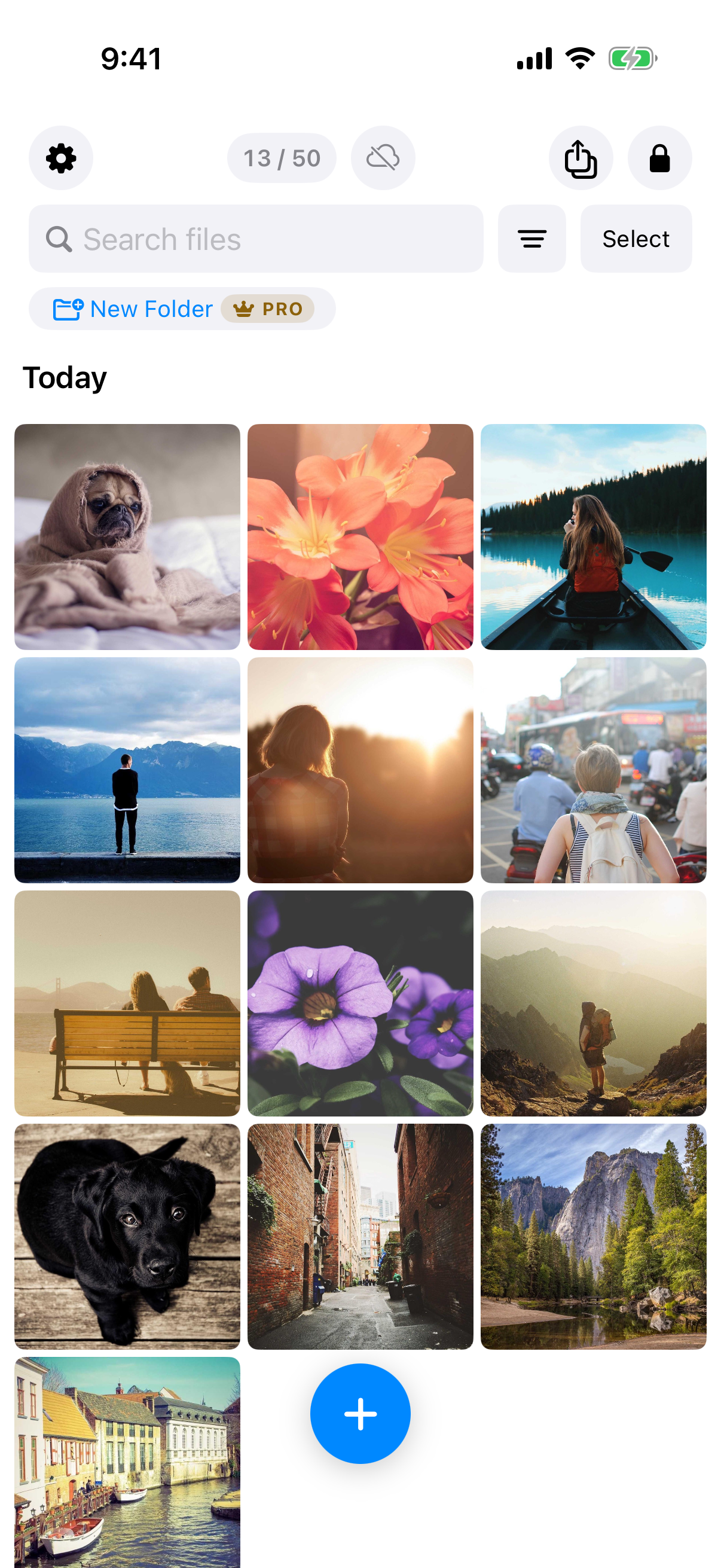
On the free tier the counter shows files used out of 50 for the vault.
Account requirements and intrusion response
Weave Vault requires no account of any kind — no email, no profile, nothing to sign up for — whether you're on the free tier or Pro. Your vault lives on your device, encrypted with AES-256-GCM, and even the paid features are unlocked through an App Store purchase rather than an account you create with Weave Vault itself.
Private Photo Vault doesn't require an account for basic local use either, but its Cloud Vault backup — the paid tier — is managed through an in-app subscription or purchase, and per its own App Store privacy label, your purchases, photos, device identifiers, and usage data are linked to that account.
It would be dishonest to leave this comparison there, though, because Private Photo Vault offers a genuinely useful security feature that Weave Vault does not: break-in detection. If someone enters the wrong password trying to open the vault, Private Photo Vault logs a front-camera photo of the person along with the device's GPS location at that moment. That's a real, practical feature for anyone who wants evidence of who tried to access their photos and where.
Weave Vault has no equivalent capability. Its model is to minimize what exists to be collected or exposed in the first place — no account to compromise, no telemetry to leak — rather than to instrument an intrusion response. Which approach you want depends on whether you value not having an identity trail at all, or want an app that actively catches and documents someone trying to get in.
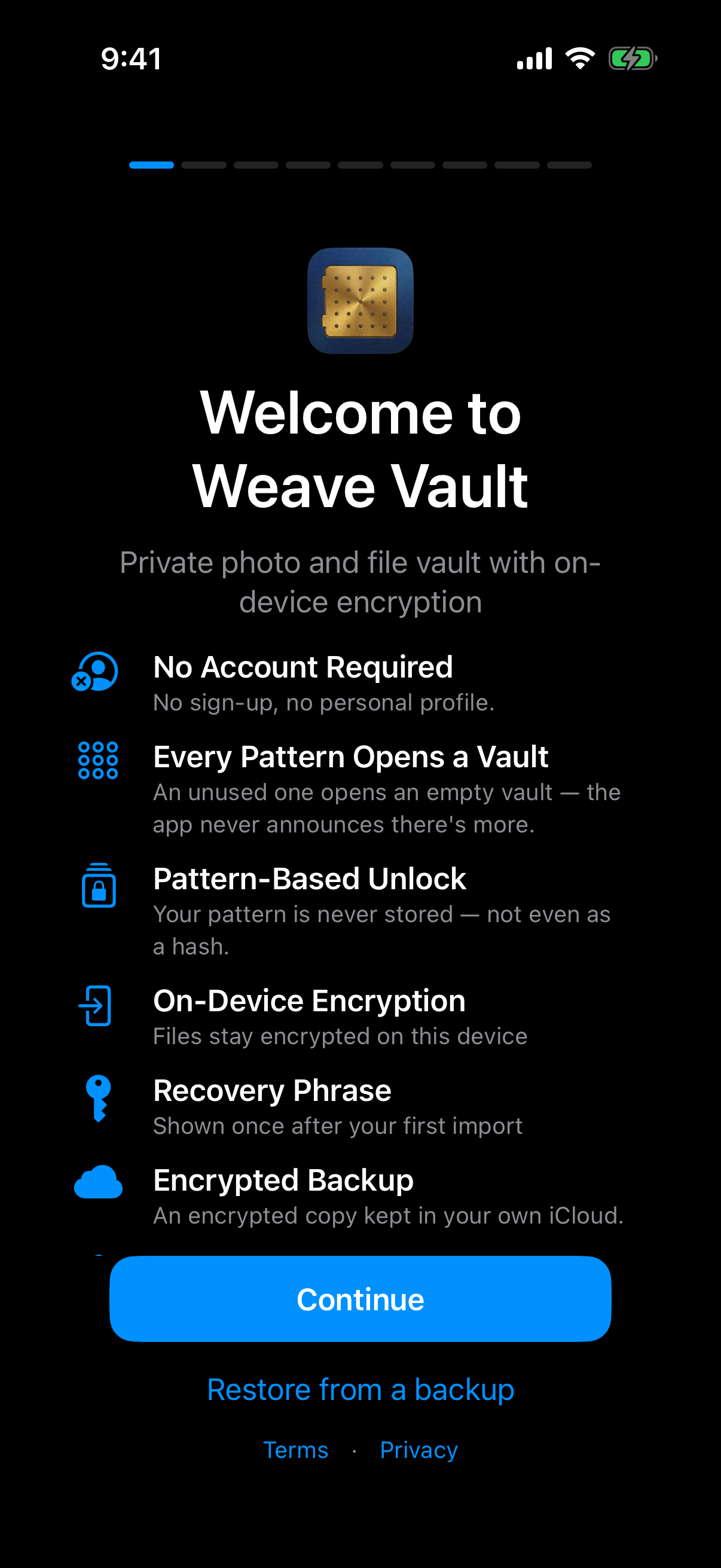
Weave Vault starts without any account: no sign-up, no personal profile.
Verdict
Pick Private Photo Vault if intruder detection matters to you: its front-camera-and-GPS logging on a failed unlock attempt is a real feature that Weave Vault simply doesn't offer, and if you're fine paying $6.99–$39.99 for a 50GB managed Cloud Vault tier and don't mind an account that Apple's own privacy label confirms has your purchases, photos, and identifiers linked to it, this is a reasonable trade to make.
Pick Weave Vault if you want to be able to verify exactly what encryption is protecting your files — AES-256-GCM with Argon2id key derivation, named and documented rather than described in vague marketing terms — and if you'd rather have zero telemetry and no account at all, even on the free tier. Just go in with accurate expectations: the free tier caps you at 3 vaults and 50 files per vault with no backup included, and getting encrypted backup, more vaults, sharing, or folders means buying Pro, either as a subscription or a one-time lifetime purchase.