
There is no official "Vaulty for PC." If you search for it, what you'll actually find is a workaround: install an Android emulator such as BlueStacks or LDPlayer, then side-load Vaulty through a third-party download page — not a native Windows or Mac release from Vaulty's maker, Squid Tooth LLC. That's worth naming plainly before comparing anything else, because the premise of the search doesn't hold up.
It's also worth being honest that weavevault.app doesn't have a PC app either. Weave Vault runs natively on iPhone, iPad (iOS 16+), and Android — full stop. Neither product gives you a real desktop client, so platform parity isn't the story here.
Since the vault has to live on a phone either way, the real decision is which one you'd trust on the device it actually runs on. That comes down to three things: whether the encryption is named and specific or just described as a PIN lock, whether the app quietly ships your usage data to third-party trackers, and how the decoy/duress vault actually behaves when someone forces you to unlock it. Vaulty and Weave Vault answer those questions very differently.
| Feature | weavevault.app | Vaulty (Squid Tooth LLC's Android photo/video vault app, vaultyapp.com, Google Play package com.theronrogers.vaultyfree) | |
|---|---|---|---|
| Native Windows/Mac desktop app | ✗ (iPhone, iPad, and Android only) | ✗ (Android only; iOS listed as "coming soon" on vaultyapp.com) | Confirmed on weavevault.app/features and vaultyapp.com/about — neither lists a PC, Mac, or web client. |
| Official way to run the app on a PC | ✗ none offered or needed for the phone-native product | Partial (only via third-party Android emulators — BlueStacks, LDPlayer, GameLoop, MemuPlay — and third-party APK/emulator download sites, not an official Vaulty or Google distribution channel) | No PC build exists from either maker; Vaulty only runs on a computer through unofficial emulator sites. |
| Named encryption algorithm for stored files | ✓ AES-256-GCM, fresh 96-bit nonce and 128-bit auth tag per file, per-item HKDF-SHA256 subkeys | ✗ not stated (protection described as a PIN/password lock; no encryption algorithm named on vaultyapp.com/about or in its privacy policy) | Weave Vault publishes its cipher on weavevault.app/security; Vaulty's public materials never name one. |
| Key derivation from unlock credential | ✓ Argon2id (RFC 9106), t=3, m=64 MiB, p=1, 128-bit salt; pattern never written to disk | ✗ not documented (no key-derivation function named in Vaulty's public materials) | Exact parameters published at weavevault.app/security. |
| Account required | ✓ none — no sign-up, no email, no profile | Not addressed in Vaulty's privacy policy; app collects aggregated device info and IP-based location automatically | Vaulty's privacy policy documents automatic device/location collection without addressing account requirements. |
| Third-party analytics / tracking cookies | ✗ none — by default the app makes no network requests at all | ✓ present — privacy policy states third parties may use cookies and web beacons to collect usage data | Direct disclosure in vaultyapp.com/privacy-policy: third parties "may use cookies, web beacons and other technologies" to collect usage information. |
| Decoy/duress vault mechanism | ✓ a duress pattern opens a decoy vault and, in the same moment, discards the device's keys to every other vault | Partial — a "Decoy Vault" is listed on the iOS App Store listing for a same-named Vaulty app, but no public documentation describes key-destruction; the Android/vaultyapp.com version instead offers "Break-in Alerts" that photograph failed access attempts, a different mechanism (detection, not concealment) | Two differently-built apps share the Vaulty name across app stores — treat this row as best-available public evidence, not one unified feature set. |
The Platform Reality: No PC Version, on Either Side
Let's dispense with the false premise first. Vaulty, made by Squid Tooth LLC, is distributed through Google Play as an Android app. Its own site, vaultyapp.com, lists iOS as "Coming Soon" and says nothing about Windows, Mac, or a web client. There is no official Vaulty for PC — there never has been.
What shows up in a "vaulty for pc" search instead is a chain of third-party workarounds: sites like gameloop.com, ldplayer.net, napkforpc.com, apps-for-pc.com, and koplayer.com that offer Vaulty exclusively through Android emulators — BlueStacks, LDPlayer, GameLoop, MemuPlay — paired with an APK sourced from a download page that isn't Google Play and isn't vaultyapp.com. That's not a desktop release; it's an emulator running a phone app, fetched from a channel neither Vaulty nor Google controls.
Weave Vault doesn't solve this differently. It runs natively on iPhone, iPad (iOS 16+), and Android, and it has no Windows, Mac, or web app either. Neither vault has a native desktop client, so if platform coverage on a computer is what you actually need, neither product delivers it.
What that means practically: the vault you pick is going to live on your phone regardless of which one you choose. So the question worth answering isn't "which one runs on my PC" — it's which one you'd trust with your files on the device it actually runs on. That's what the rest of this comparison is about.
Named Cryptography vs. an Unspecified PIN Lock
This is the sharpest, most checkable difference between the two apps. Weave Vault documents its cryptography on weavevault.app/security in specific, verifiable terms: files are encrypted with AES-256-GCM, using a fresh random 96-bit nonce and a 128-bit authentication tag generated per file. The vault key itself is derived from your unlock pattern using Argon2id (RFC 9106) — a memory-hard function chosen specifically to resist brute-forcing — at t=3, m=64 MiB, p=1, over a random 128-bit salt. The pattern is never written to disk. Per-item subkeys are then generated via HKDF-SHA256 (RFC 5869), so a single compromised key doesn't expose every file in the vault.
Vaulty's public materials describe something different in kind, not just in strength: a PIN/password lock. Neither vaultyapp.com/about nor its privacy policy names an encryption algorithm or a key-derivation function anywhere. That doesn't necessarily mean the underlying protection is weak — it means there's nothing published to verify. You can't audit what isn't named.
That distinction matters more than it might first appear. A PIN lock only needs to be guessed or bypassed; a system built around AES-256-GCM plus Argon2id key derivation is designed to make brute-forcing the underlying key computationally infeasible even if someone has the encrypted files in hand. Weave Vault's approach lets you — or a security researcher — check the claims against the published parameters. Vaulty's approach asks you to trust a lock whose mechanism was never disclosed.
If you care about the difference between "this app is locked" and "this app is provably encrypted a specific, named way," this is the dimension that decides it.
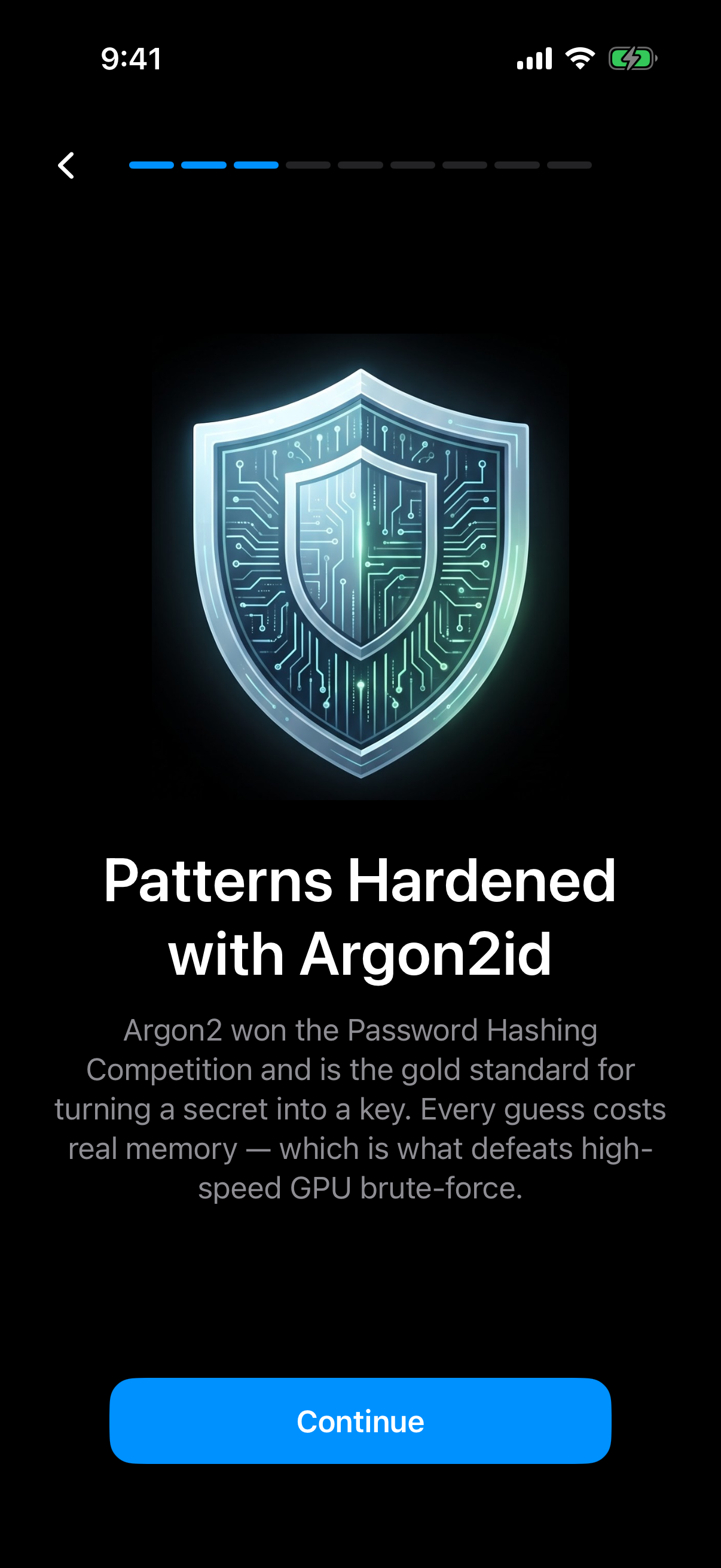
Weave Vault names its key derivation in the app itself: your pattern is hardened with Argon2id.
What Each App Does With Your Data
Weave Vault's default posture is that it makes no network requests at all — not for analytics, not for crash reporting, not for anything. No account is required to use it: no sign-up, no email, no profile. There's nothing held on Weave Vault's side that could be tied back to you, because nothing is collected in the first place.
Vaulty's own privacy policy tells a different story. It states that the app automatically collects "aggregated, anonymized information about usage," which includes device information and IP-based location. It also discloses that Vaulty "may allow third parties to provide analytics services," and that "these third parties may use cookies, web beacons and other technologies to collect information about your use." That's a direct admission of third-party tracking infrastructure sitting inside a photo-and-video vault app — the exact category of app someone downloads specifically to keep files private.
To be clear about what isn't being claimed here: there's no evidence Vaulty trains any model on user photos, and no evidence it has an AI feature at all. The verified issues are narrower and don't need embellishing — an app whose stated purpose is hiding sensitive files also discloses automatic device/location collection and third-party analytics cookies in its own privacy policy.
For anyone whose reason to use a vault app in the first place is to reduce what's collected about them, that disclosure matters. A vault that phones home to ad-adjacent analytics services is solving a different problem than the one you came looking for.
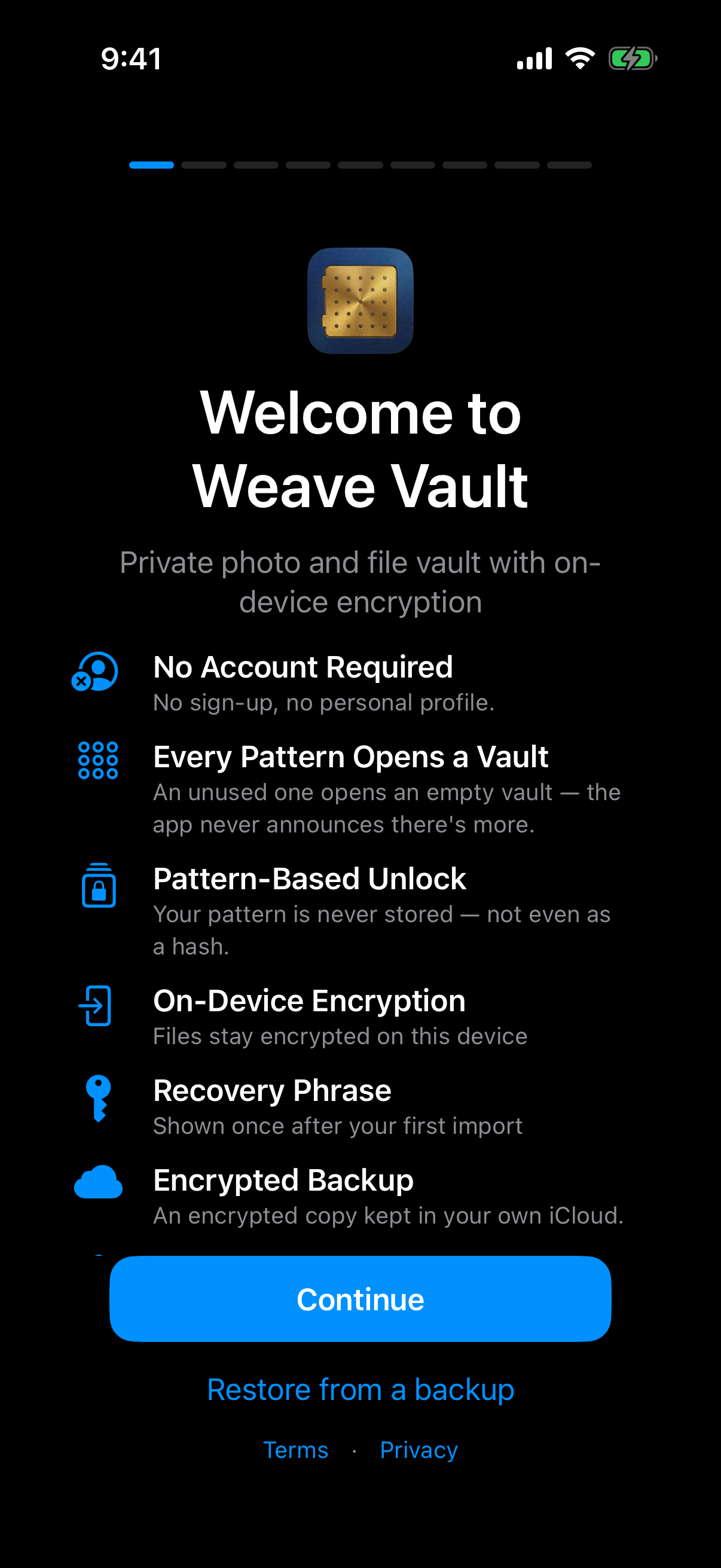
No account is required: no sign-up and no personal profile.
Decoy and Duress: What Happens When You're Forced to Unlock
Weave Vault's duress mechanism works like this: a separate duress pattern opens a decoy vault, and in the same moment, discards the device's keys to every other vault. That's not an alert after the fact — it's key destruction at the moment of duress unlock, meaning the real vaults become cryptographically unrecoverable on that device the instant the duress pattern is used, not just hidden.
Vaulty's situation here is genuinely more ambiguous, and it's worth stating that plainly rather than papering over it. There appear to be two differently-built apps sharing the "Vaulty" name across app stores. The iOS App Store listing for a Vaulty app lists a "Decoy Vault" as a feature, but its public materials don't describe how — or whether — it destroys keys the way Weave Vault's duress pattern does. The Android version at vaultyapp.com, by contrast, doesn't mention a decoy vault at all; instead it lists "Break-in Alerts," which photograph failed access attempts. That's a fundamentally different mechanism — detection and evidence-gathering, not concealment through a fake vault.
So depending on which Vaulty listing you land on, you may find a decoy vault with undocumented internals, or no decoy vault and an alert system instead. Neither published version claims the specific thing Weave Vault documents: that triggering the duress pattern doesn't just show a decoy, it provably removes the keys to everything else on that device.
If a scenario where someone forces you to unlock your phone is part of your threat model, this is the dimension to weigh most carefully — and it's the one where the public evidence for Vaulty is thinnest and most inconsistent across its own listings.
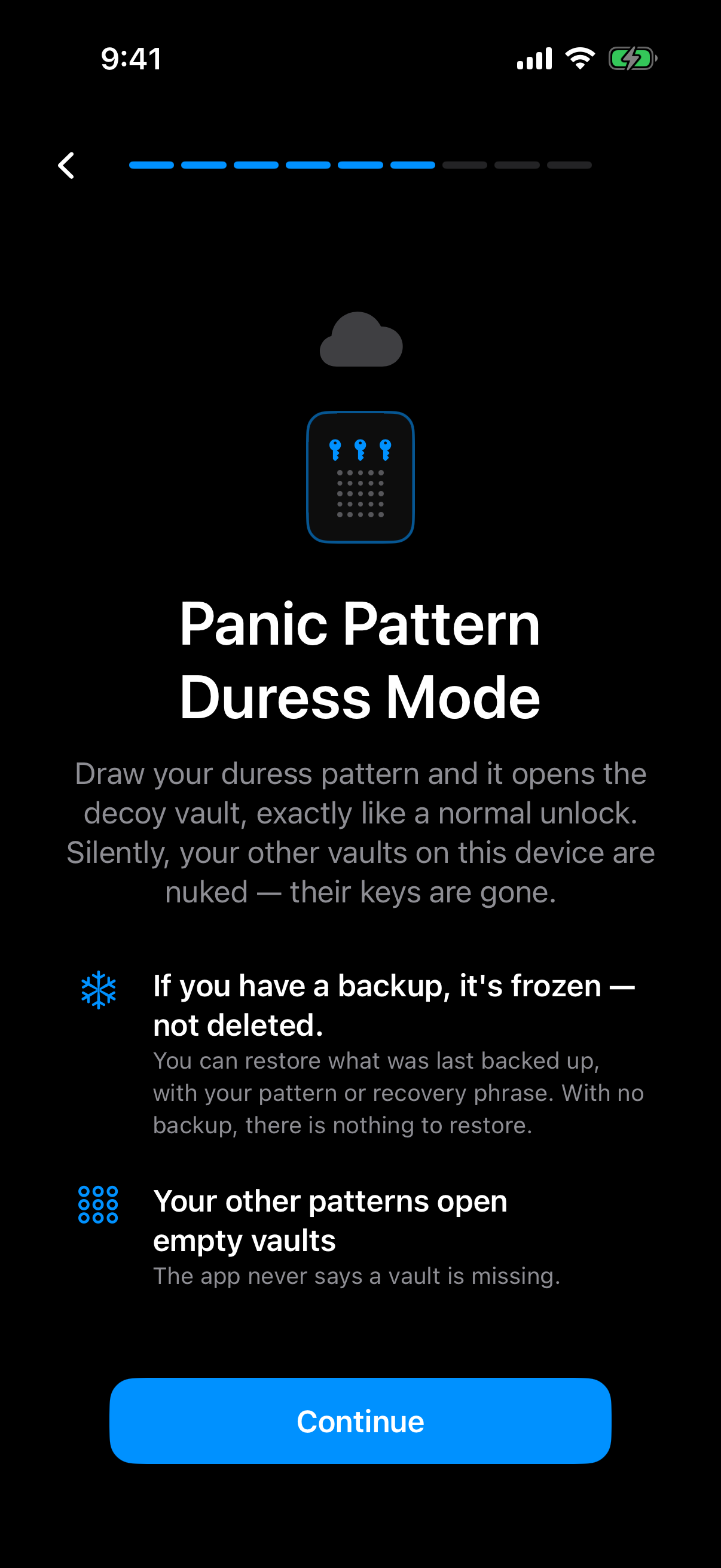
The duress pattern opens the decoy vault while this device loses its keys to your other vaults.
Verdict
Pick Vaulty if you're an Android user who wants a free, no-friction PIN lock for your photos and videos, and you don't especially care whether the encryption underneath is named and published or whether the app shares usage data with third-party analytics services. For a lot of people, a simple lock screen on a folder of photos is genuinely enough, and Vaulty's Break-in Alerts feature is a reasonable, tangible deterrent even without documented crypto behind it.
Pick Weave Vault if you want the cryptography itself to be inspectable — AES-256-GCM, Argon2id with disclosed parameters, HKDF-SHA256, all named rather than implied — if you want an app that makes zero network requests by default and holds no account data on you, if you want a decoy vault that provably destroys keys under duress rather than just alerting you afterward, or if you need the same vault to work identically on both iPhone/iPad and Android. Neither app has a PC version, so that was never really the decision — trust on the device it actually runs on always was.