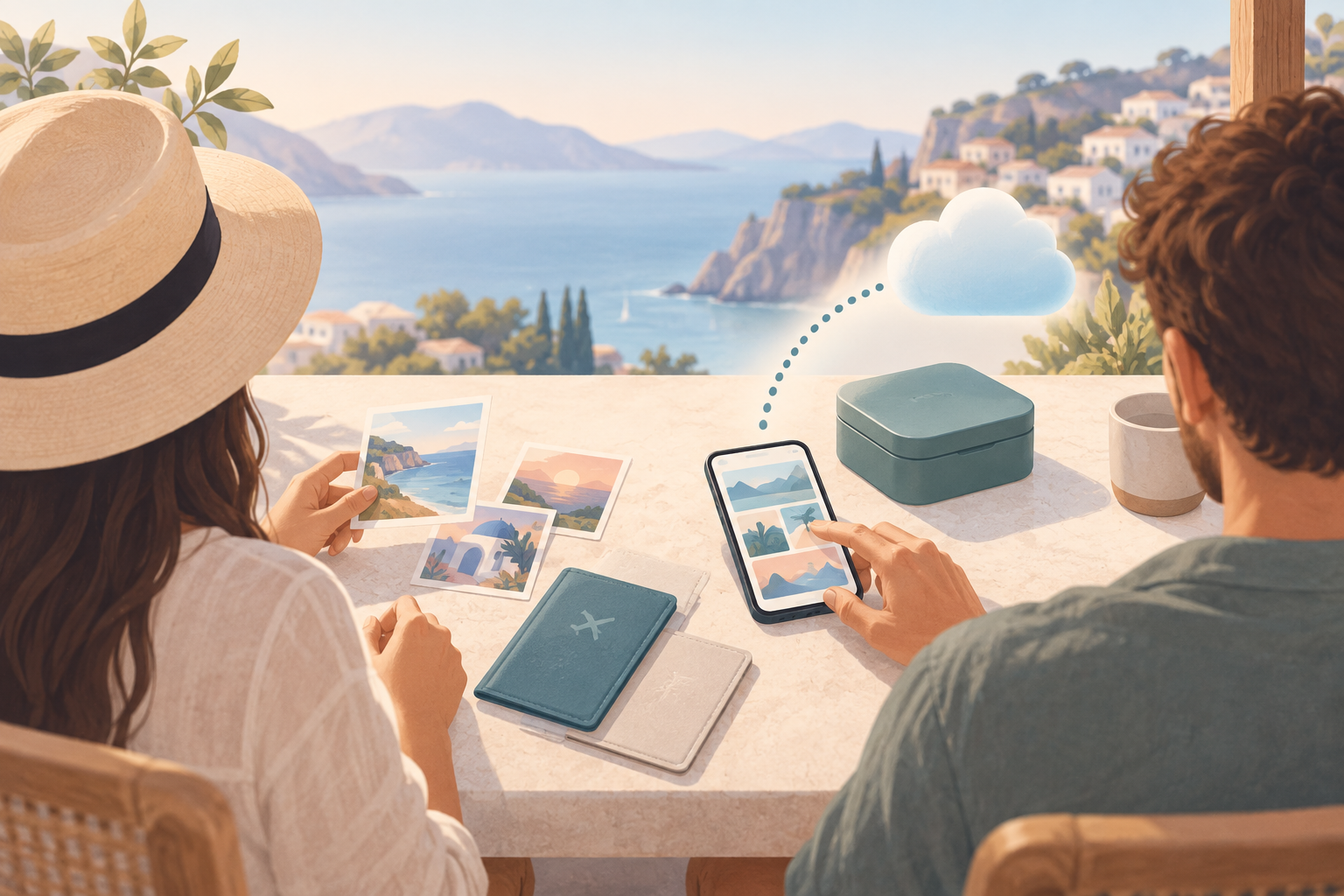
You take photos you'd rather not have sitting in a general-purpose camera roll that syncs to a mainstream cloud service: a passport before a trip, a rash you're tracking for a dermatologist, an insurance-claim photo, a screenshot of a prescription. These aren't photos meant for sharing or for an album — they're files you need to keep, and you want them stored somewhere that isn't scanned, indexed, or readable by anyone but you. weavevault's cloud vault isn't a server weavevault runs and can see into: your files are encrypted with AES-256-GCM on your device, and if you turn on backup, the encrypted copy goes straight to your own iCloud or Google Drive account. weavevault has no vault-storage servers of its own and never receives your photos, encrypted or otherwise — this is a cloud vault where 'cloud' means the account you already control, not a company's backend.
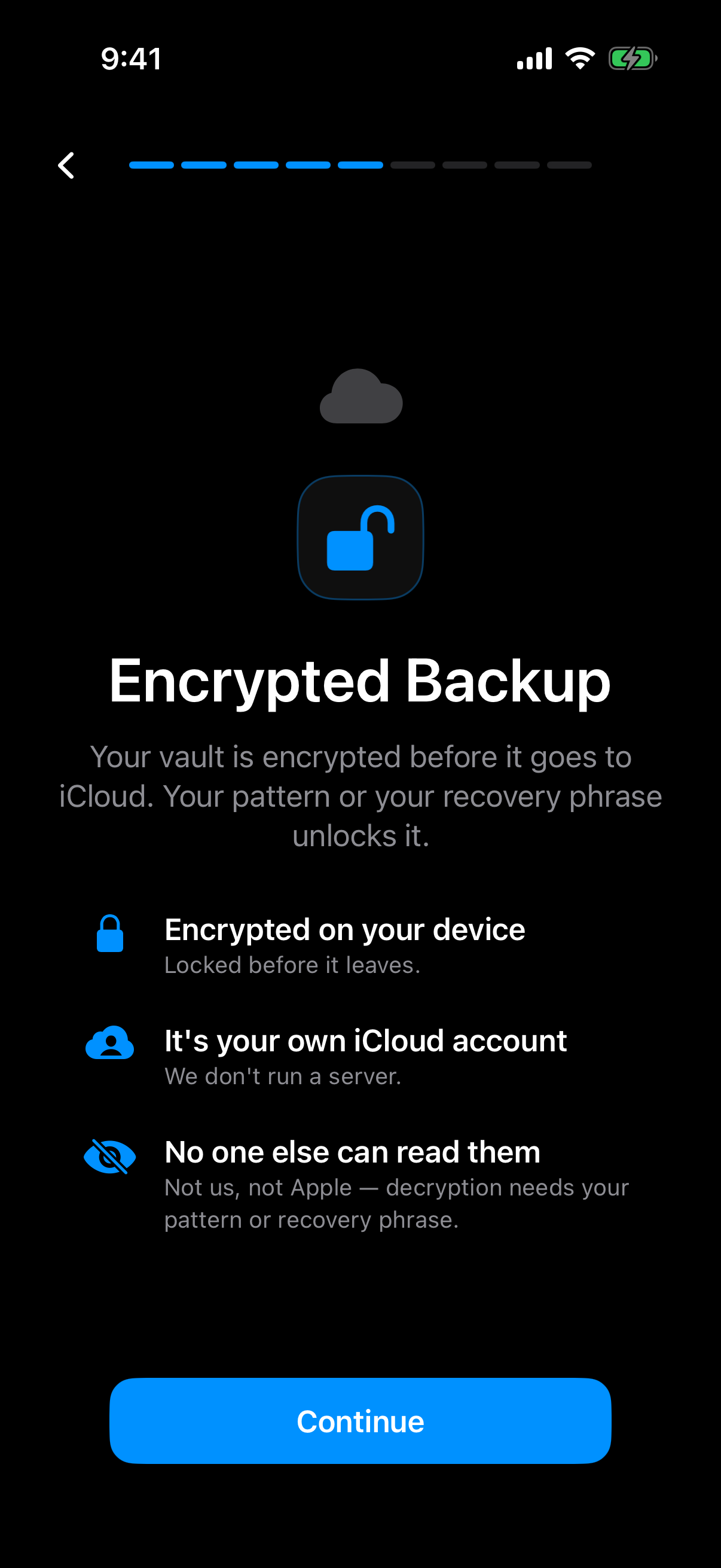
The vault is encrypted on your device before the backup goes to your own iCloud account.
What is hard right now
- I don't want my ID and financial-document photos sitting in the same library that a recommendation algorithm scans for faces and objects.
- Storage providers get breached, and I don't want whoever gets in to actually be able to read what's in my account.
- I don't trust a 'we take your privacy seriously' policy from a company that can technically decrypt my files whenever it wants to.
- I need quick access to a handful of sensitive files, not another full-camera-roll backup I have to sift through.
Scenarios
Passport, ID, and financial-document photos
You photograph your passport before a trip, so you have a backup if the original is lost, stolen, or left at a border checkpoint. In a mainstream photo library, that image sits next to vacation snapshots and everything else you've shot, indexed by the same face- and object-detection models that scan your whole camera roll.
Move it into weavevault's vault instead, and the photo is encrypted with AES-256-GCM on your device, before it ever leaves your phone. weavevault doesn't run a vault-storage server for that encrypted file to land on — there's no company-controlled backend receiving or holding it. If you turn on backup, the encrypted copy goes to your own iCloud or Google Drive account, the same account you already control, not to weavevault.
That means the passport photo is never sitting on infrastructure weavevault operates, and it's never in the pool of images a recommendation model scans for faces or objects. It's encrypted where it's taken, and it stays in accounts you own.
Medical photos and prescription screenshots
After a dermatology visit, you photograph a rash to track healing, or you screenshot a prescription from a pharmacy app. Left in your general camera roll, these normally sync automatically to whatever cloud service your phone defaults to, sitting next to every other photo you've taken.
Moved into weavevault's vault instead, they sit behind a pattern lock, not a password stored anywhere on disk. The pattern is held only in memory for the length of your session and is never written to disk. weavevault makes no claim about what a forensic examiner with the physical device in hand could or couldn't recover — only that the pattern itself isn't stored as data for anything to find.
That's a narrower, more honest claim than 'unbreakable,' and it's the one that actually matters here: nothing about the pattern sits in a file waiting to be read.
Backing up before you sell, recycle, or hand off a device
Before wiping a phone to sell it, recycle it, or hand it to someone else, you want to keep a handful of sensitive photos without leaving traces on the device itself and without dragging your whole camera roll along.
You move the photos you want to keep into the vault, confirm the encrypted backup has synced to your own iCloud or Google Drive, then wipe the phone. The key derivation for your vault passphrase happened locally, on-device, using Argon2id — never sent anywhere to be computed — and no plaintext copy of your photos was ever written to a temp folder during the process.
Once the phone is wiped, the sensitive photos still exist, but only as ciphertext in the cloud account you control. Nothing about them ever touched a server weavevault operates.
Features that make this work
Client-side encryption
Your ID, medical, and financial-document photos are encrypted with AES-256-GCM on your device before they ever leave it. weavevault runs no vault-storage servers to receive them — encrypted backups go straight to your own iCloud or Google Drive, so there's no company-operated backend holding your files at all.
Key derivation
Your vault key is derived from your passphrase through Argon2id, a slow, memory-hard function built to resist GPU cracking. That derivation happens on your device — your passphrase itself is never sent anywhere to be checked or processed.
Pattern lock
The quick-access pattern you set for the vault is held only in memory during your session and is never written to disk. weavevault makes no claim about what a forensic examiner with your physical device could or couldn't determine — only that the pattern isn't stored as recoverable data in the first place.