
You hand your iPhone to other people more often than you'd think: a kid who wants to watch a video, a friend who wants to see one photo, a coworker borrowing it to check a map, a repair counter running diagnostics before a screen fix or a trade-in. In every one of those moments, the phone is already unlocked. Face ID did its job at the lock screen and then stepped aside — whoever is holding the phone now has the same access you do, including to photos you never meant to hand over along with it.
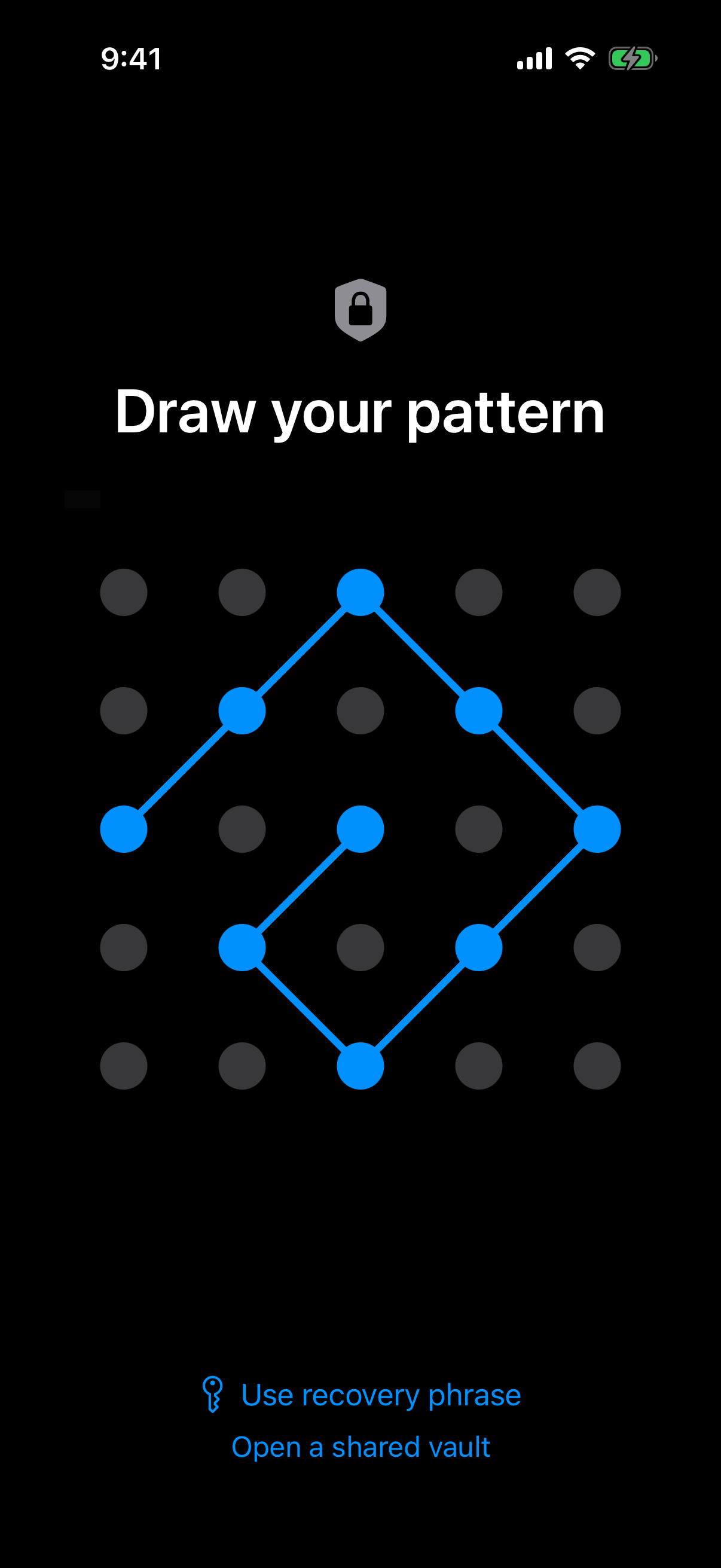
Even on an unlocked phone, the vault asks for its own pattern before anything inside shows.
What is hard right now
- Face ID and my passcode protect the lock screen, but the moment I hand over an unlocked phone, that protection is gone — the person holding it is already past it.
- The iPhone's built-in Hidden album isn't actually hidden from anyone who knows to check Photos > Albums > Hidden — it's two taps away.
- I don't want to explain why certain photos exist, or have someone stumble onto them mid-scroll while I'm just trying to show them one thing.
- Before a repair visit, trade-in, or resale, I want to know certain photos are genuinely gone, not just moved somewhere a factory reset might miss.
Scenarios
Handing your phone to your kid
Your kid asks to watch a video or play a game, and you hand over your iPhone already unlocked — that's the whole point, so they don't have to ask you to type in a passcode every thirty seconds. But the Photos app is sitting right there in the dock or two swipes away in the App Library, and kids tap around. A stray swipe or a search for "photos" is all it takes.
Weave Vault keeps the photos you don't want found in a vault with its own pattern lock, and that vault isn't nested inside the Photos app at all — it's a separate app with no icon or shortcut inside Photos, and no Hidden album for a curious kid to stumble into the way they could with Photos > Albums > Hidden.
What your kid sees when they open your phone is the game they asked for, or the video, or whatever else lives in the regular Photos app. The vault doesn't announce itself, and nothing about handing over an unlocked phone changes what stays out of view.
Showing someone one photo, not your whole library
A friend or coworker asks to see one photo — a screenshot, a receipt, a picture from last weekend — so you unlock your phone and hand it over. The moment it leaves your hand, they're one accidental swipe or pinch-to-zoom away from months of your camera roll, not just the one photo you meant to show.
Weave Vault's in-app camera addresses the source of that risk rather than just hiding the result afterward: photos you capture through Weave Vault go straight into the vault, bypassing the camera roll entirely. They never touch the regular Photos app, so there's nothing sensitive sitting there waiting to be swiped past.
That means what you hand someone to look at one photo is exactly what's in the regular Photos app — nothing more, because nothing more was ever added to it.
Your phone at the repair counter or on a trade-in
You drop your phone off for a screen repair, or wipe it ahead of a trade-in or resale. Either way, someone else now has physical access to the device and, often, diagnostic or admin-level tools that go beyond what a factory reset is designed to guarantee.
Vault contents are sealed with AES-256-GCM, using a 256-bit key that Argon2id derives from your pattern (t=3, m=64 MiB) over a random salt. The pattern itself is never written to disk — not to a file, not to the Keychain — it exists in memory only for as long as the derivation takes. There's no stored pattern, hash, or biometric template on the device for a repair tech's or resale buyer's tools to recover.
If you forget your pattern, a 12-word recovery phrase is the only other way in — there's no backdoor and no way to reset it from the device itself. Without the pattern or the recovery phrase, what's in the vault stays exactly that: sealed, not just moved somewhere a factory reset might miss.
Features that make this work
Pattern Unlock
A 5x5 grid pattern locks the vault independently of Face ID or your passcode, so a phone that's unlocked for one thing — a game, a photo, a repair — isn't unlocked for everything. The pattern is never stored, so there's nothing on the device for anyone holding it to find.
In-app Camera
New photos captured through Weave Vault go straight into the vault, bypassing the camera roll entirely. When you hand your phone to a kid or a friend, there's nothing sensitive sitting in the regular Photos app for them to see.
Multiple Vaults
A wrong or unfamiliar pattern opens an empty vault instead of an error message. If a repair tech or a curious kid tries a pattern at random, they find nothing worth asking about — not a lock screen, not a denial, just an empty vault.