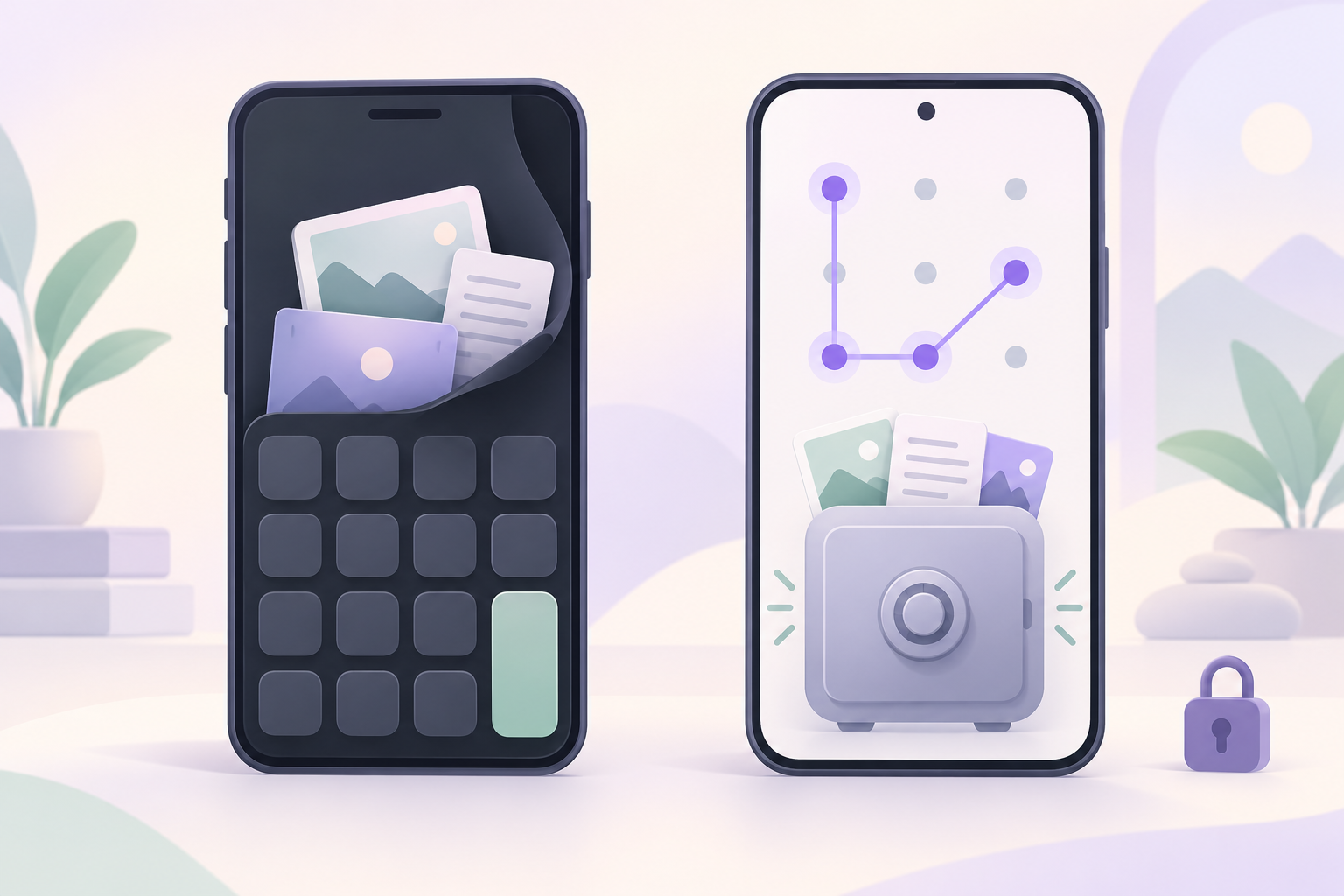
You want private photos, IDs or screenshots out of the camera roll. You searched for a calculator vault app. This page compares that design with the one Weave Vault uses. It names the mechanisms, so you can judge them yourself.
What a calculator vault app is, and what the disguise protects
A calculator vault app is an app presented as a calculator that hides files behind it. The disguise is the main privacy feature. The comparison below is about design, not about any specific product.
The disguise idea
The app opens as a working calculator. A particular input reveals the hidden section. Someone who picks up the phone sees arithmetic, not a vault.
That is a change in what the app looks like. It is useful for one situation: a casual glance at your home screen.
Disguise versus encryption
A disguise says nothing about how files are stored. Encryption is the part that decides whether files can be read. If you are choosing an app, ask what cipher seals the files and where the key comes from. A disguise cannot answer either question.
Weave Vault is not a calculator app. It does not have a calculator icon, name or screen. This article does not claim any disguise for it. What it has is a different mechanism, described next.
How Weave Vault hides files: the pattern is the key
Weave Vault unlocks with a pattern. The pattern is not a screen lock placed in front of the files. It is the input from which the encryption key is derived.
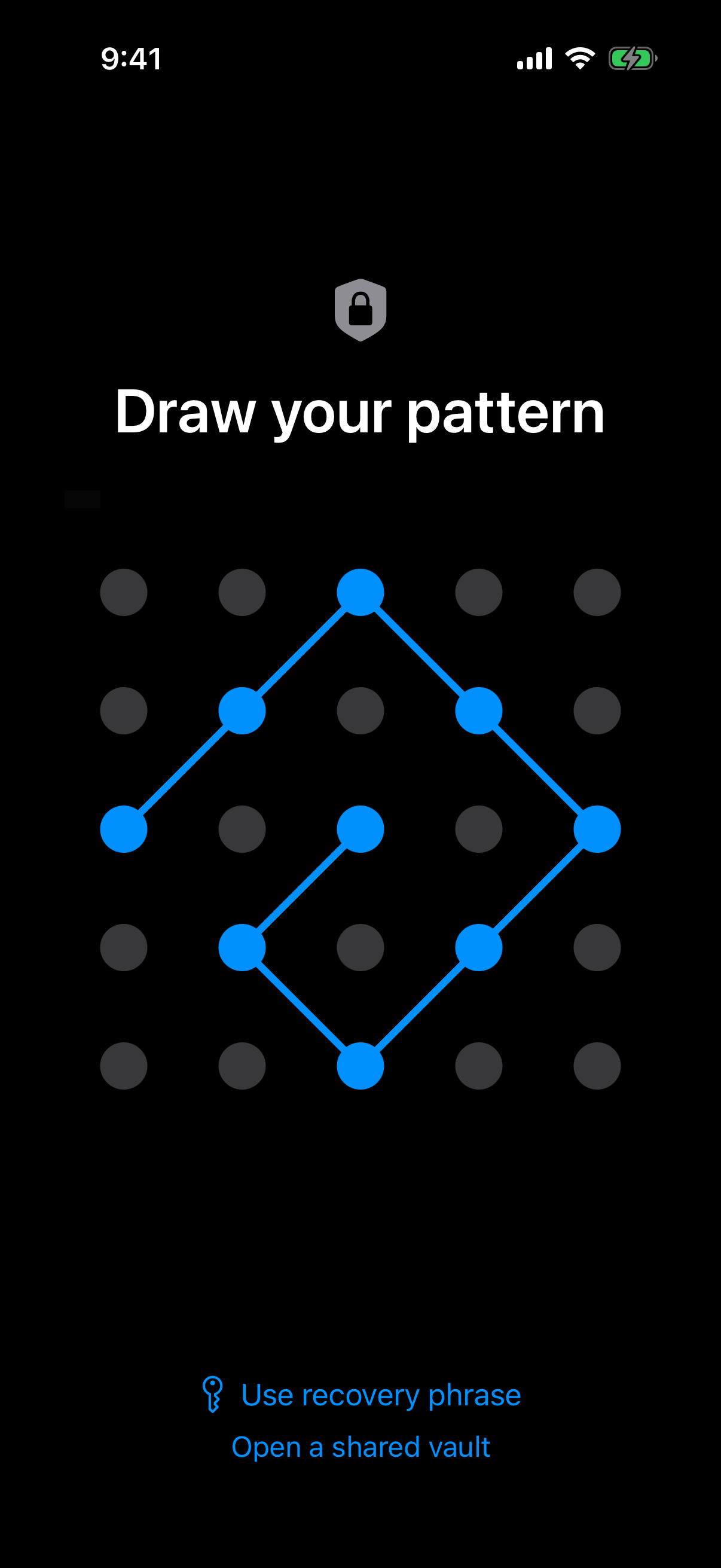 The unlock screen: a 5x5 dot grid with a traced pattern, which is the only credential the app asks for.
Draw a pattern on a 5x5 grid
You unlock by drawing a pattern on a 5x5 dot grid. Setup asks for at least 6 dots with 2 direction changes. Read more on the pattern unlock page.
No separate passphrase
There is no separate passphrase. The pattern is the only credential.
The key chain runs in this order:
- The pattern.
- Argon2id, a memory-hard key derivation function.
- A key-encryption key.
- A random 256-bit per-vault content key, generated by a CSRNG and wrapped by the key-encryption key.
The Argon2id-derived key does not encrypt file contents directly. It unwraps the content key, and the content key does the work.
The Argon2id parameters follow RFC 9106: t=3, m=64 MiB, p=1, over a 128-bit salt. The security page lists the key hierarchy and these parameters.
The pattern is never written to disk
The pattern is never written to disk. Not to a file. Not to the Keychain. The app derives the key from what you draw and keeps no stored copy to compare against.
A wrong pattern opens an empty vault, not an error
A disguise gives you one place to hide. A pattern-locked vault changes what happens when the input is wrong.
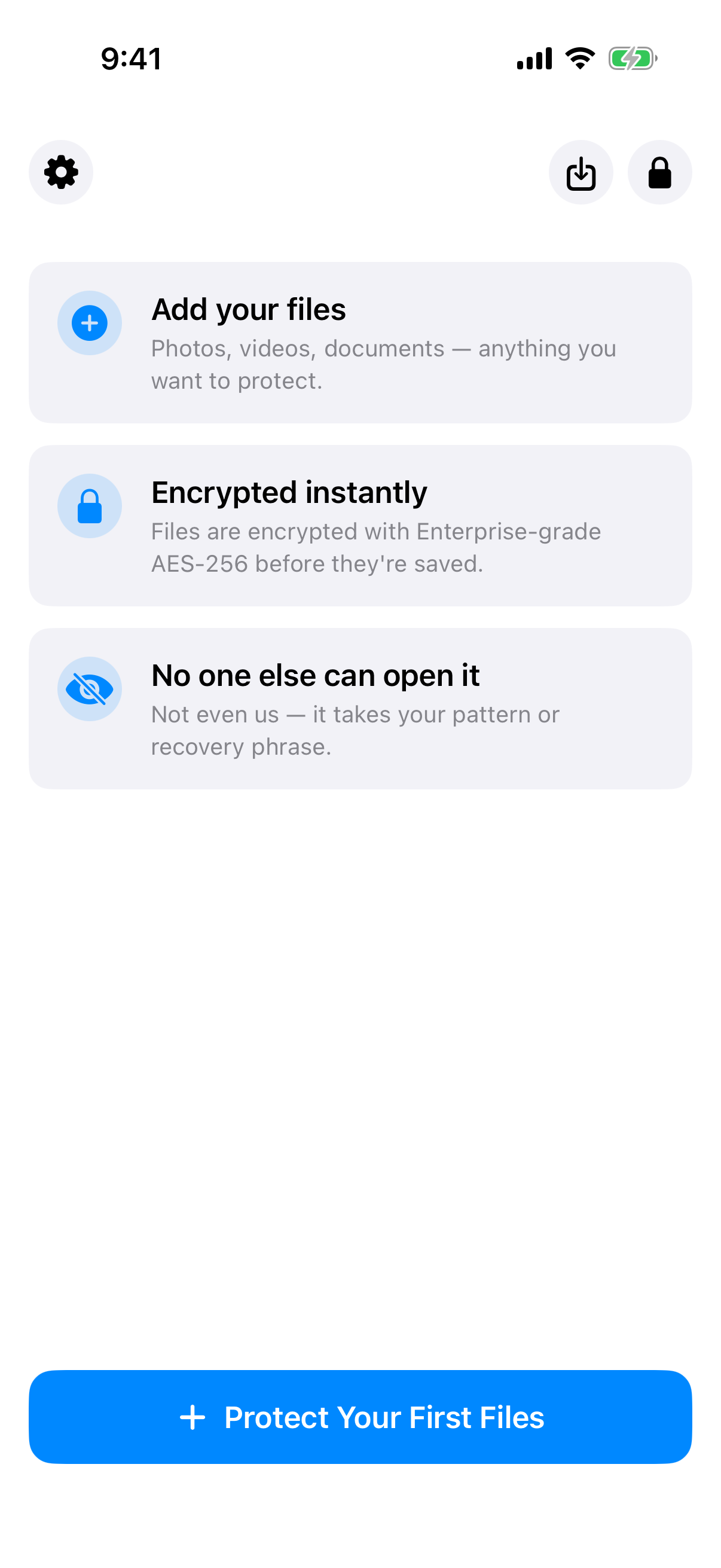 What an unused pattern opens: a fresh empty vault with a Protect Your First Files button, not an error message.
No vault list, switcher or count
An unrecognised pattern opens a fresh empty vault rather than showing an error. The app keeps no vault list, no switcher and no count. Each pattern simply opens whatever vault it belongs to. If it belongs to none, you see an empty one.
The multiple vaults page covers how several vaults coexist.
Why this matters for hiding
In a calculator vault, the disguise is the only thing between a viewer and the hidden section. Once someone knows to look, the existence of the vault is the giveaway.
In Weave Vault, nothing on screen distinguishes a vault with files from one without. A wrong guess and a first-time setup look the same. This is a statement of mechanism, not a guarantee.
The security page is explicit about its limits: "We make no claim about what an examiner with the physical device could or could not determine." We repeat it here unchanged. Nothing in this article promises that a forensic examination would recover nothing.
Decoy vaults and duress mode
The same lock screen can open more than one vault. That enables decoys.
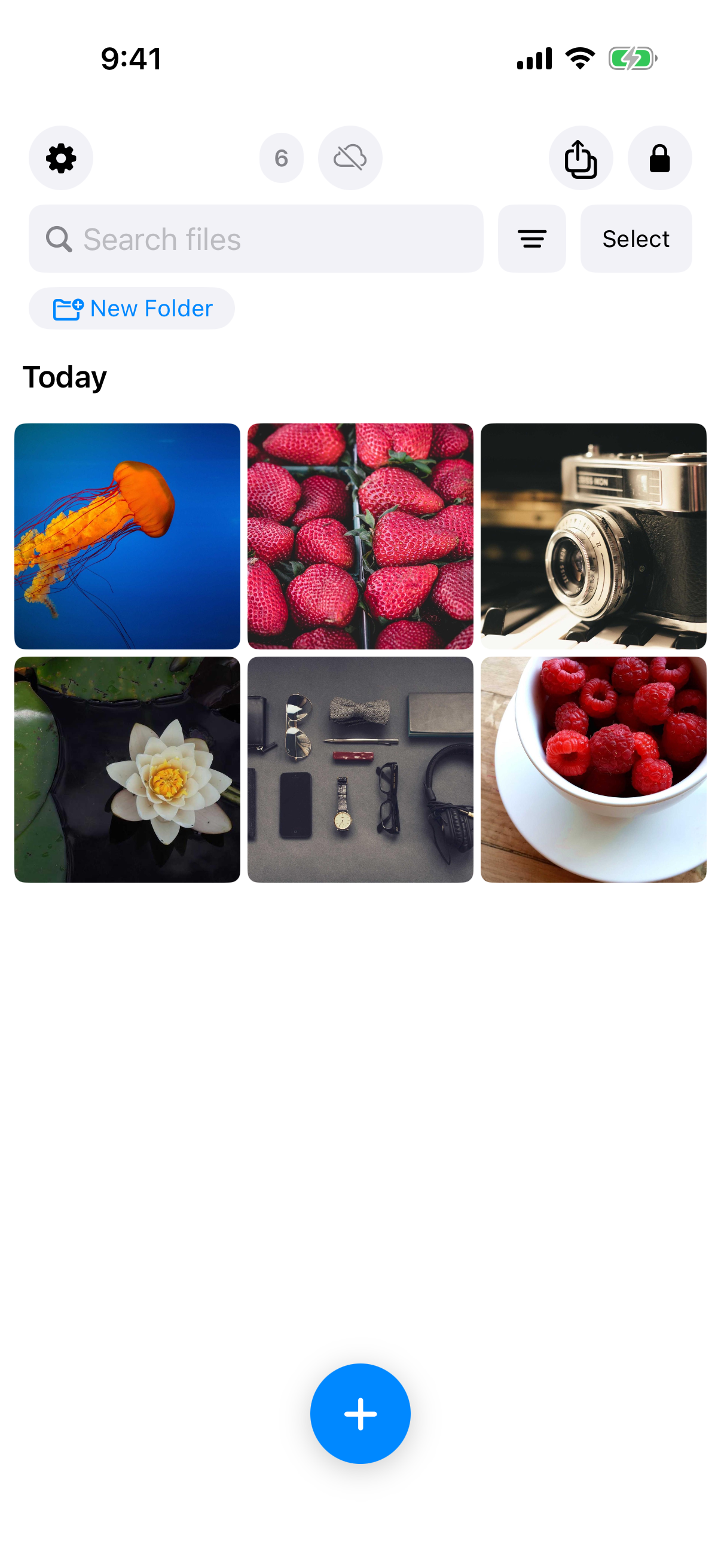 A decoy vault that looks like any other vault, filled with six everyday photos.
Several vaults, one lock screen
Each vault opens with its own pattern. The free tier allows up to 3 vaults. Pro opens more vaults. A decoy is an ordinary vault you fill with ordinary files.
What the duress pattern does
Duress mode is a separate setting. When you draw the decoy vault's pattern, it opens and removes the other vaults from this device. Nothing is shown on screen while this happens. Only one decoy can be set at a time.
Why it is permanent
The setup flow warns that the action is permanent. It also requires you to type ENABLE before it proceeds. The recovery phrase will not bring those vaults back on this device.
That is the whole description here. Read the duress mode page before you turn it on.
What is stored, where, and what leaves the device
A short list of facts, each checkable against the security page and the support page.
Encryption at rest
Files are sealed with AES-256-GCM. Each file gets a fresh random 96-bit nonce and a 128-bit authentication tag. Per-item subkeys are derived with HKDF-SHA256 (RFC 5869). Large files are encrypted in independently authenticated chunks, up to 16 GB per file.
No account, no analytics
There is no account of any kind. No email, no profile, no sign-up. That holds on the free tier and on Pro. The app contains no analytics, crash reporting, advertising or attribution SDKs.
Backup to your own cloud
There is no Weave Vault vault-storage server. Nothing is uploaded by default.
Encrypted backup is optional. It copies the vault's ciphertext to your own iCloud or Google Drive. No vault key and no plaintext leaves the device.
The app is also excluded from the phone's ordinary device backup by design. A routine iCloud or Finder backup of the phone never contains it.
Losing access: the recovery phrase and its limits
No account means no reset link. That has a cost, and it is worth stating before you rely on the app.
12 words per vault
Each vault has its own 12-word recovery phrase. Store it somewhere you control. The manifesto explains the reasoning behind this design.
If both are lost
If you lose both the pattern and the phrase, the vault cannot be opened. The support page puts it this way: "we do not hold a copy, and there is no support process that can override this."
A calculator disguise has no equivalent trade-off to explain. This one is the cost of having no account.
Free tier, Pro, and platforms
Here is what you get, split by tier.
What is free
The free tier includes up to 3 vaults and up to 50 files per vault. Weave Vault does not offer unlimited storage.
What Pro adds
The manifesto states it plainly: "Pro opens doors: more vaults, encrypted backup, sharing, folders." That includes folders. Pro is sold as a monthly subscription, an annual subscription with a 7-day trial, or a one-time lifetime purchase.
Backup has a split. Enabling backup requires Pro. Restoring never does. Browsing and exporting your own files work without a subscription, including if Pro lapses.
iPhone, iPad and Android only
Weave Vault runs on iPhone and iPad (iOS 16 and later) and on Android. There is no Windows, Mac or web app. There is no web sign-up either. To install it, go to the homepage and follow the link to the App Store or Google Play.
Choosing between the two designs
A calculator disguise hides the app. A pattern-locked vault hides the question of whether a vault exists, and it ties the key to something you draw. Neither is a promise about every threat. Pick based on the mechanism you can verify.