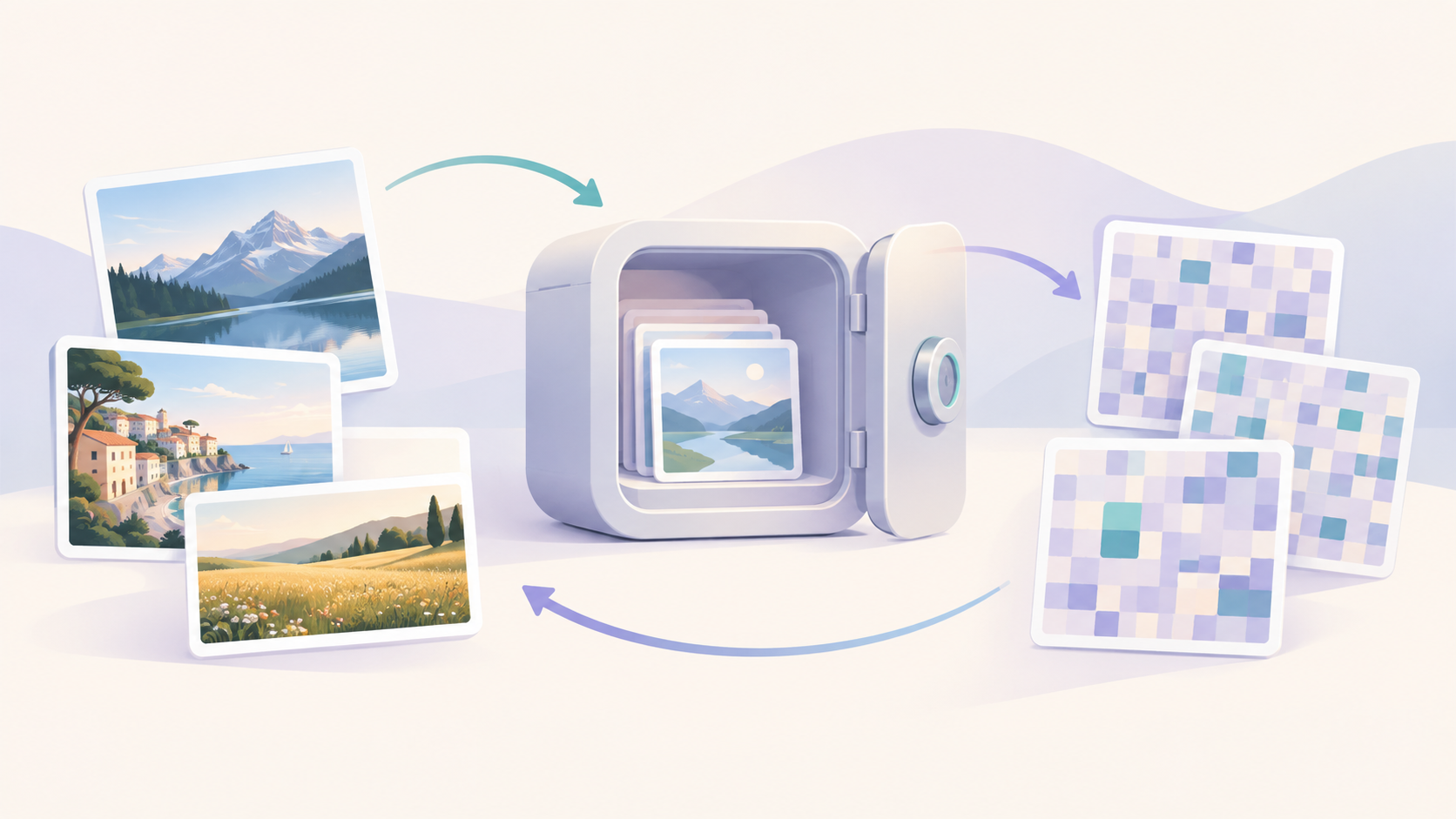
A photo vault is software that encrypts photo and video files at rest and gates access behind a credential — a pattern, a PIN, a passcode, or a biometric unlock of one of those. Without the credential, the files aren't simply out of view. They're unreadable. That distinction — unreadable versus merely hidden — is the subject of this article, and it's the one most "best photo vault apps" round-ups skip entirely.
What a photo vault actually does
A vault, in the strict sense, does two things at once: it transforms your files so they can't be read without a key, and it derives that key from something only you know or hold. Neither piece is optional. An app that does only one of them is something else — a filter, a folder, a lock screen — wearing the name "vault."
Encryption vs. hiding: the distinction that matters
Two claims get used interchangeably in app-store listings: "hide your photos" and "encrypt your photos." They are not the same claim.
Hiding removes a file from the default gallery view. The underlying bytes may be completely untouched — same file, same format, same location on disk — just filtered out of the album you normally browse. Encrypting a file changes the bytes themselves. Open it with any other tool and what comes back is ciphertext: meaningless without the key that reverses the transformation.
A photo vault, as this article uses the term, does the second thing. If an app only does the first, it's a hiding tool, not a vault, regardless of what its listing promises.
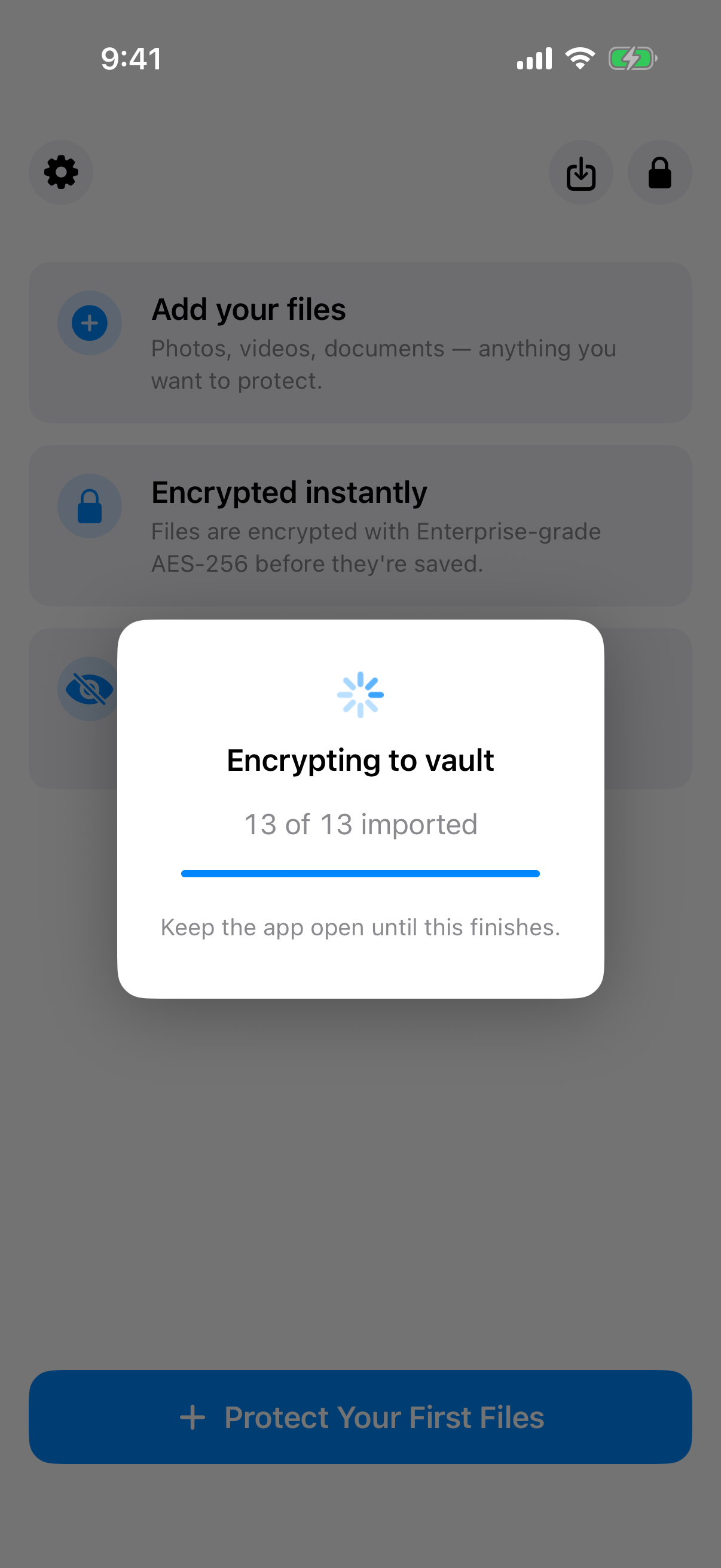
Imported photos are encrypted as they enter the vault, not just filtered out of the gallery view.
The two building blocks every real vault needs
Two components make encryption real instead of cosmetic:
- A key-derivation function (KDF), which turns a low-entropy credential — a 4-digit PIN, a swipe pattern — into a high-entropy cryptographic key. Argon2id is the current standard choice.
- A symmetric cipher, which uses that derived key to transform the file bytes. AES-256-GCM is the current standard choice.
An app that stores your PIN and checks it against a saved value before showing you a folder has neither of these. That's an access-control screen, not an encryption pipeline. Both pieces have to exist, and both have to be named, before "encrypted" means anything. Weave Vault's feature pages show one implementation of both pieces working together, across pattern unlock, backup, and recovery.
How the encryption actually works
Naming the two components is a start. What each one actually does to your data is the part that separates a real technical claim from a marketing phrase.
From a pattern or PIN to an encryption key
A PIN like 4917 has very little entropy — a few thousand possible values, trivial to brute-force if it were used directly as an encryption key. A key-derivation function closes that gap by making each guess expensive, rather than by making the credential itself harder to guess.
Argon2id, specified in RFC 9106, takes the credential plus a random salt and produces a fixed-length key. Its cost is tunable across three parameters: how many passes it makes over memory (time cost), how much memory it uses per attempt (memory cost), and how many parallel lanes it runs (parallelism). Weave Vault's security page publishes its own values for this: Argon2id at time cost 3, memory cost 64 MiB, parallelism 1, over a 128-bit salt. Those are the kind of concrete numbers a "military-grade encryption" claim never gives you, because a vague claim doesn't have to survive being checked. Weave Vault's pattern-unlock feature page describes how a 5x5 swipe pattern feeds into this same derivation step.
The salt itself has to come from a cryptographically secure random number generator — a CSRNG — not a predictable source. Reusing salts, or generating them with a weak generator, undermines the entire scheme regardless of how strong the rest of it is.
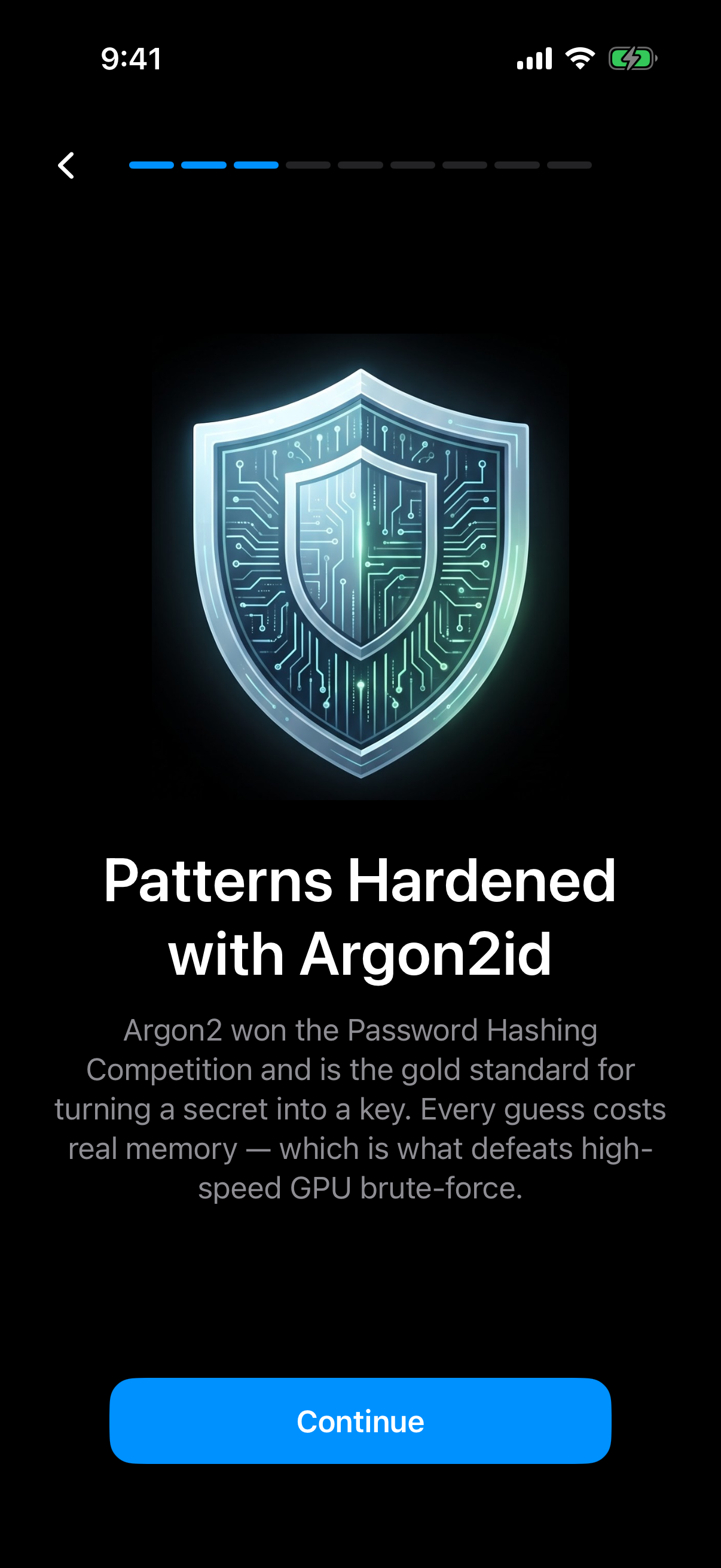
Weave Vault runs your pattern through Argon2id, so every guess costs real memory.
What gets encrypted — and what shouldn't leak
Once a key exists, AES-256-GCM — a mode of AES defined in NIST SP 800-38D — does two things in one pass: it encrypts the file bytes, and it authenticates them with a GCM authentication tag, 128 bits, appended to the ciphertext. That tag means tampering is detectable, not just unreadable: change a single byte of the ciphertext and decryption fails outright instead of silently returning corrupted output. GCM also requires a fresh nonce for every encryption operation — reuse a nonce with the same key and the confidentiality guarantee breaks. Weave Vault's security page states a fresh 96-bit nonce per file, which is also why encrypting the same photo twice never produces identical ciphertext.
Bytes aren't the only thing worth protecting. A vault that encrypts image data but leaves filenames and metadata — timestamps, file sizes, EXIF fields — in plain text still leaks something: the existence of a suspiciously named file, even with unreadable contents, tells an observer more than an encrypted vault should. A properly built vault encrypts metadata and filenames alongside image bytes, not just the pixels.
The credential itself deserves the same precision. Not "we take your privacy seriously," but a specific, checkable statement: is the pattern or PIN written to disk, stored in a device keychain, kept as a hash, or never persisted at all — derived into a key in memory and discarded the moment derivation finishes? Weave Vault's security page states this plainly: the pattern is never written to disk in any form.
What a photo vault protects against — and what it doesn't
Encryption is a specific tool for a specific set of threats. Naming those threats — and the ones it doesn't cover — is more useful than a blanket claim of "total privacy."
A concrete threat model
The scenarios a photo vault is built for are physical-access scenarios: a phone left on a train and picked up by a stranger, a device handed to a repair shop for a cracked screen, a phone opened for inspection at a border crossing, a device someone else in the household can pick up while it's unattended. In every case, the attacker has the device in hand but not the credential. Encryption is what separates "has the device" from "can read the photos."
The limits: what encryption alone can't stop
Encryption at rest doesn't protect against a threat already inside an unlocked session. Malware running on the device while the vault is open can read whatever the vault has decrypted into memory, the same as any other app with that access. Encryption says nothing about what happens after the key has already been used to unlock the files.
It also doesn't protect against coercion — someone physically compelling the owner to unlock the vault. The one documented mitigation for that specific scenario is a duress mechanism: a secondary credential that opens a decoy vault, or disables access to the real one, so an unlock made under pressure doesn't hand over the actual contents. Weave Vault's duress-mode feature is one implementation of that idea. It's a mitigation for a specific scenario, not a guarantee that covers every form of coercion.
One more design choice is worth naming as a security property rather than a convenience: operating offline by default. A vault that makes zero network requests during normal use has no server to breach, no sync channel to intercept, no account credentials to phish. That's a smaller attack surface than a photo app that syncs to the cloud automatically. Where backup is wanted, it should be an explicit, separate step rather than invisible background syncing — Weave Vault's encrypted-backup feature frames iCloud and Google Drive backup that way, as something the user turns on, not something that happens by default.
Photo vault vs. related tools
"Photo vault" gets applied loosely to several different kinds of products. They're not interchangeable.
Calculator/decoy-icon vault apps
Some vault apps disguise their icon as a calculator or a utility app, so a casual glance at the home screen doesn't reveal a vault exists. That disguise is obscurity — it makes the vault harder to find, not harder to decrypt. Whether the files underneath are actually encrypted, and with what, is a separate question that depends entirely on that specific app's own implementation. A disguised icon is not evidence of encryption; check the app's own published claims independently of its cosmetic camouflage.
OS-native hidden albums and locked folders
Both major mobile platforms ship a built-in version of "hide a photo." Apple documents the iOS Hidden Album as a way to move photos and videos out of the main Photos view. Google documents the Android Locked Folder in Google Photos as a folder that requires an additional unlock — device passcode or biometric — to open. Both vendors describe these as visibility and access controls: moving content out of the default view and gating it behind an extra step. Neither vendor's own documentation claims that these specific features add independent, per-file encryption beyond whatever protection the device's whole-disk encryption already provides while the phone is locked. That's a meaningfully different guarantee from a dedicated vault, which derives and applies its own per-file key regardless of whether the device itself happens to be locked.
Cloud photo services with a "private" or "locked" folder
"Private folder" features in Google Photos, iCloud, and Google Drive are typically server-side conveniences: the file is still processed and stored on the provider's infrastructure, and the provider may hold the decryption keys unless the product separately and explicitly publishes an end-to-end or zero-knowledge encryption claim for that specific feature. Don't assume that claim. Look for it stated in writing.
How to tell if a photo vault app is actually private
Everything above collapses into a short, practical test.
A short checklist before trusting an app with your photos
Four questions, in order:
- Does the app name its cipher and key-derivation function specifically — AES-256-GCM, Argon2id — rather than a phrase like "military-grade" or "bank-level"?
- Does it state, in writing, where your credential is stored, if anywhere?
- Does the app function fully offline, or does normal use require an account or a server round-trip?
- Does it publish actual parameters — salt length, cost parameters, key size — rather than just naming an algorithm?
An app that can't answer these in its own published documentation shouldn't get the benefit of the doubt.
Why the vendor's own security page matters more than app-store copy
App-store listings are marketing copy, written to be skimmed and to convert installs. A security page is a technical disclosure, and it's the only place a vendor can be specific in a way that's actually checkable. A complete disclosure names the cipher, names the KDF, and states the parameters. A vague one reaches for superlatives instead. That difference is the fastest filter available before trusting an app with sensitive photos.
A worked example: what a full implementation looks like
Naming a cipher and a KDF is the minimum bar. What a full implementation looks like in practice is easier to show than to describe abstractly, so this section uses one published example rather than a hypothetical.
Handling large files without weakening the guarantee
Video files complicate a naive encryption design. Encrypting a multi-gigabyte file as a single block means holding the whole thing in memory, and one authentication tag covering gigabytes of data makes partial verification impossible. Weave Vault's security page describes handling this with chunked encryption above a size threshold — independently authenticated chunks rather than one monolithic ciphertext blob — combined with a per-item subkey derived via HKDF-SHA256, rather than reusing a single master key across every file in the vault. The page states a 16 GB per-file ceiling under that scheme. That's an engineering detail, not a marketing point: it's the difference between a design built to handle real photo and video libraries and one only ever tested against a handful of small JPEGs.
Recovery without a backdoor
Forgetting a PIN or pattern is a real failure mode, and the naive fix — a password-reset email, a "contact support" flow — usually means a server somewhere holds enough information to bypass the vault, which defeats the point of building one. The alternative on Weave Vault's security page is a BIP-39-style recovery phrase: a 12-word sequence, generated once, that can regenerate the same key material if the original credential is forgotten. That's the mechanism the page names. Whether that specific phrase-generation step involves any network transmission is a detail worth confirming directly against the page's current wording before treating it as a stated fact; this article doesn't assert it either way.
That's the standard worth applying to any vault's recovery claim: not "is there a recovery option," but a stated, specific answer to what that recovery mechanism actually requires trusting. A named cipher, a named KDF with real parameters, a stated per-file ceiling, and a recovery mechanism described in enough detail to evaluate — that combination is what separates an inspectable technical claim from a superlative. Weave Vault lays out the reasoning behind those choices on its manifesto page; the app itself is available to download for iOS and Android.
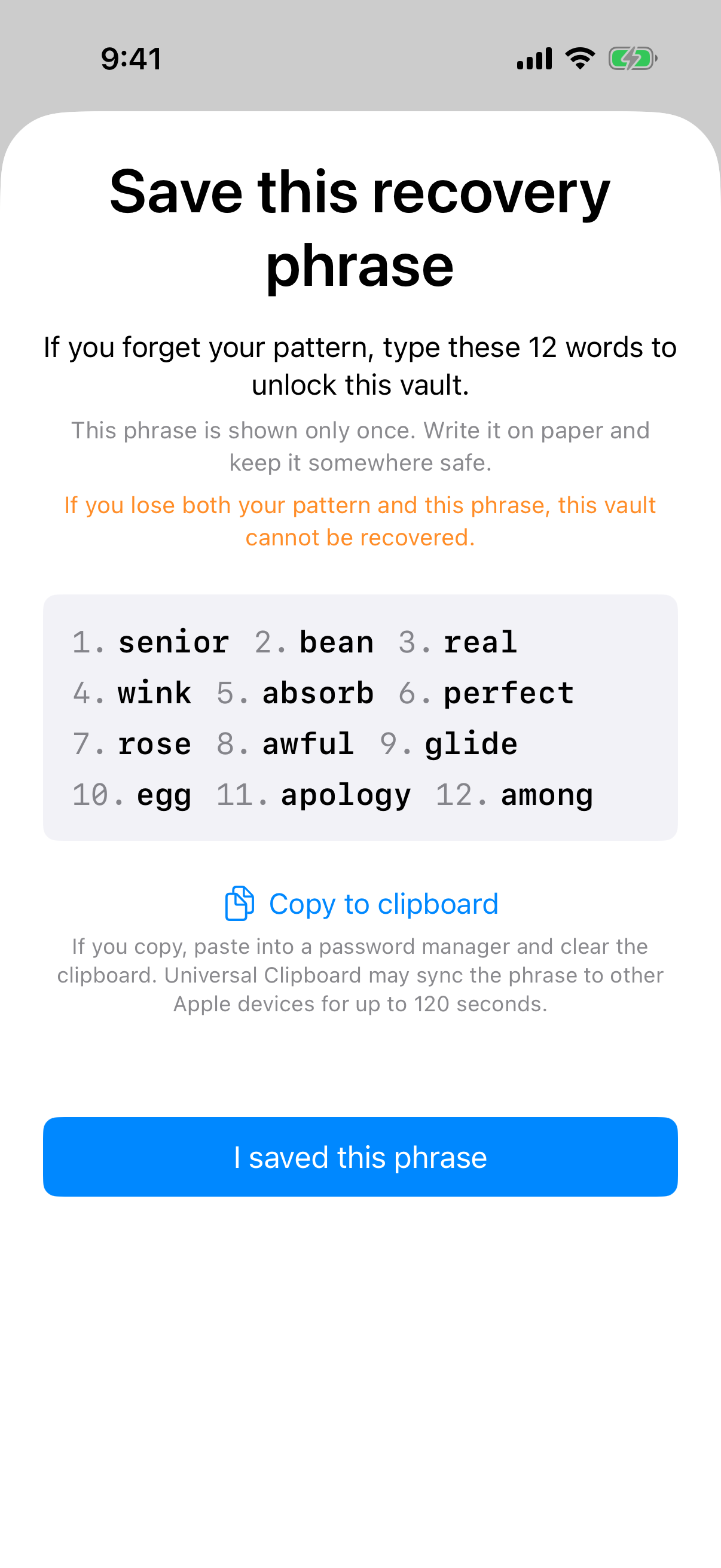
Each vault's 12-word recovery phrase is shown once; lose both it and the pattern and the vault cannot be recovered.