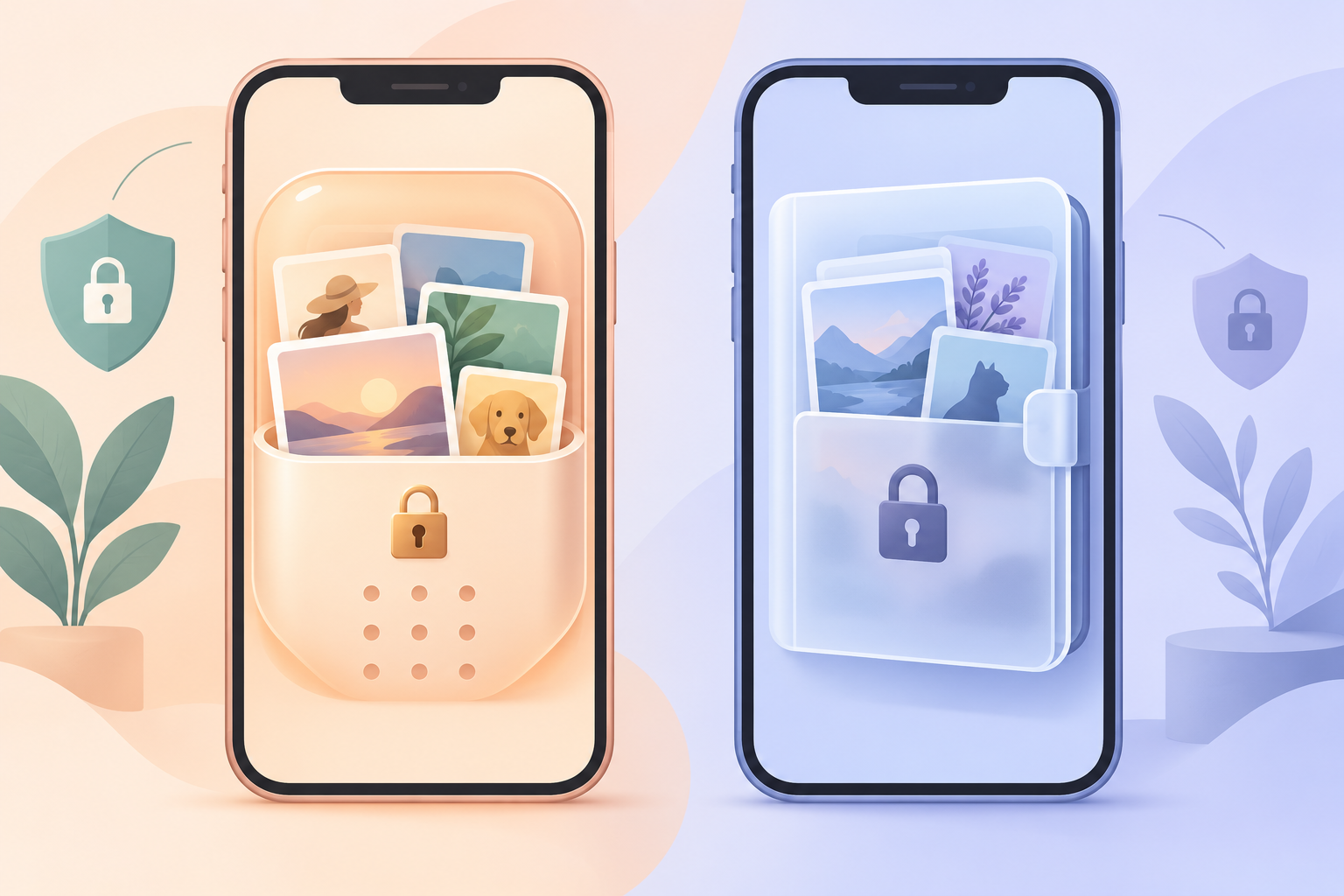
This page compares weavevault.app with Apple's Hidden album. The question is narrow. Do you need your private photos encrypted under a separate credential in a dedicated vault app, or do you only need them moved out of the main photo grid?
weavevault.app is a photo vault for iPhone, iPad and Android. It seals each file with AES-256-GCM. A pattern is the only credential, and that pattern is never written to disk. There is no account.
We have not verified how Apple's Hidden album works, so we make no claims about it. Where a row needs a value for Hidden album, the table says it was not compared. Apple's own documentation is the right place to check it. What follows is a precise account of what weavevault.app does, so you can judge whether you need it.
| Feature | weavevault.app | apple-hidden-album | |
|---|---|---|---|
| Encryption of the files | AES-256-GCM per file, with a fresh random 96-bit nonce and a 128-bit authentication tag. Per-vault 256-bit content key from a CSRNG. | Not compared. See Apple's own documentation. | weavevault.app details are published on its /security page. |
| Unlock credential | A pattern is the only credential. Pattern, then Argon2id (t=3, m=64 MiB, p=1), then a key-encryption key that wraps the content key. The pattern is never written to disk, not to a file and not to the Keychain. | Not compared. Check your own iPhone's settings and Apple's documentation. | |
| Account and telemetry | No account of any kind, free or Pro. No analytics, no crash reporting, no advertising or attribution SDKs. | Not compared. | We make no claims about Apple's data practices. |
| Backup and where data goes | No Weave Vault storage server. Encrypted backup copies ciphertext to your own iCloud or Google Drive. Excluded from ordinary device backup by design. Enabling backup requires Pro; restoring never does. | Not compared. See Apple's own documentation. | |
| Multiple vaults and free limits | Free: up to 3 vaults, up to 50 files per vault. Pro opens more vaults, encrypted backup, sharing and folders. An unrecognised pattern opens a fresh empty vault; there is no vault list, switcher or count. | Not compared. See Apple's own documentation. | |
| Sharing | A point-in-time copy of a whole vault, re-keyed each time, with enforced expiry and early revocation. Recipients need no vault and no payment. | Not compared. See Apple's own documentation. | |
| Platforms | iPhone and iPad (iOS 16+) and Android. No Windows, Mac or web app. | Not compared. See Apple's own documentation. |
How the files are protected
weavevault.app seals each file with AES-256-GCM. Every file gets a fresh random 96-bit nonce and a 128-bit authentication tag. Large files are encrypted in independently authenticated chunks, up to 16 GB per file.
The key hierarchy runs in a fixed order. Your pattern goes through Argon2id with the parameters t=3, m=64 MiB, p=1, over a 128-bit salt. That produces a key-encryption key. The key-encryption key wraps a random 256-bit per-vault content key, generated by a CSRNG. The Argon2id output never encrypts file contents directly. Per-item subkeys are derived with HKDF-SHA256.
The pattern is the only credential. There is no separate passphrase. It is never written to disk, not to a file and not to the Keychain.
We do not describe how Apple's Hidden album stores or protects photos, because we have not verified it. Apple's own documentation is the source for that. We also make no promise about forensics. In our own words: "We make no claim about what an examiner with the physical device could or could not determine." For the longer mechanism, see what a photo vault is and how encrypted photo storage works.
Accounts, network and backup
weavevault.app requires no account of any kind. There is no email, no profile and no sign-up, on the free tier or on Pro. The app includes no analytics, no crash reporting, and no advertising or attribution SDKs.
There is no Weave Vault vault-storage server. Nothing is uploaded by default. If you turn on encrypted backup, the app copies the vault's ciphertext to your own iCloud or Google Drive. No vault key and no plaintext leaves the device.
Weave Vault is also excluded from the phone's ordinary device backup by design. A routine iCloud or Finder backup of the phone never contains it.
The pricing split matters here, so we state it exactly. Enabling backup requires Pro. Restoring never does. Browsing and exporting your own files work without a subscription, including if Pro lapses.
We have not compared how Apple's Hidden album is backed up or what Apple collects. Check Apple's documentation for those answers. For a wider look at what protects files on an iPhone, see how to lock apps on iPhone and what actually protects your files.
Sharing and recovery
Sharing in weavevault.app sends a point-in-time copy of a whole vault. The copy is re-keyed from scratch each time. It has an enforced expiry, and you can revoke it early from Shared vaults in the vault's settings. Recipients do not need a vault of their own and do not need to pay for anything. Sharing is part of Pro.
Recovery is deliberately strict. Each vault has its own 12-word recovery phrase. If both the pattern and the phrase are lost, the vault cannot be opened. In the product's own words: "we do not hold a copy, and there is no support process that can override this."
That is the cost of a credential that is never stored. If you want a vault you can always get back into through a support request, this is not that design.
An unrecognised pattern opens a fresh empty vault rather than showing an error. The app keeps no vault list, switcher or count.
We have not verified how Apple's Hidden album handles sharing or recovery, so we do not describe it. See Apple's own documentation. If you are weighing dedicated apps against each other, our private photo vault app comparison is a good next read.
Platforms and pricing
weavevault.app runs on iPhone and iPad (iOS 16+) and on Android. There is no Windows, Mac or web app.
The free tier gives you up to 3 vaults and up to 50 files per vault. The manifesto puts the paid side this way: "Pro opens doors: more vaults, encrypted backup, sharing, folders." Pro is sold as a monthly subscription, an annual subscription with a 7-day trial, or a one-time lifetime purchase. We do not claim unlimited storage.
If you stop paying, you keep access to your own files. Browsing and exporting work without a subscription, including if Pro lapses.
We have not compared Apple's Hidden album on platforms or pricing. Read Apple's documentation for those details. If you are looking for a vault app on iPhone specifically, see private photo vault for iPhone, a locked photo app for iPhone or a photo lock app for iPhone.
Verdict
If your goal is only to keep photos out of the main grid, and you have no need for a separate credential, separate encryption, Android support or multiple vaults, Apple's built-in Hidden album may be enough. It costs you nothing to install and there is nothing new to learn. Check Apple's documentation to confirm it does what you need.
Pick weavevault.app if you want a named encryption mechanism and a pattern that is never stored. It fits you if you want AES-256-GCM per file, no account, backup to your own iCloud or Google Drive, and more than one vault. Know the trade-off first: if you lose both the pattern and the 12-word recovery phrase, nobody can open the vault, including us.